Newsletter plugin
- Quick start
- Writing newsletters
- Scheduling
- Subscribers & forms
- Welcome & lead magnet
- Pro plugin
- Templates
- AI Agents
General
Looking for the Facebook posting plugin? See its docs →
This page mentions tools we use ourselves. Some links are affiliate links — if you sign up after clicking through, we earn a small commission, at no extra cost to you. See the full list of tools we use.
Quick start — One Two Three Send (newsletter plugin)
Five minutes from a fresh WordPress install to a sent newsletter.
1. Install the free plugin
- Plugins → Add New → search One Two Three Send, or upload the zip from this site.
- Install → Activate. A new Newsletter menu appears.
2. Paste your Claude API key
- One Two Three Send → Settings → AI
- Sign up at console.anthropic.com — free to register, pay-per-token usage (typically a few cents per generated newsletter).
- Copy the key, paste it into the Claude API key field, save. Stored encrypted.
3. Connect an email provider
- One Two Three Send → Settings → Email Provider
- Pick Resend (recommended — generous free tier) or SMTP (any SMTP host).
- For Resend: get an API key at resend.com, paste it.
For SMTP: enter host, port, encryption, username, password. - Save, then click Send test email to admin. Check your inbox.
4. Set sender details
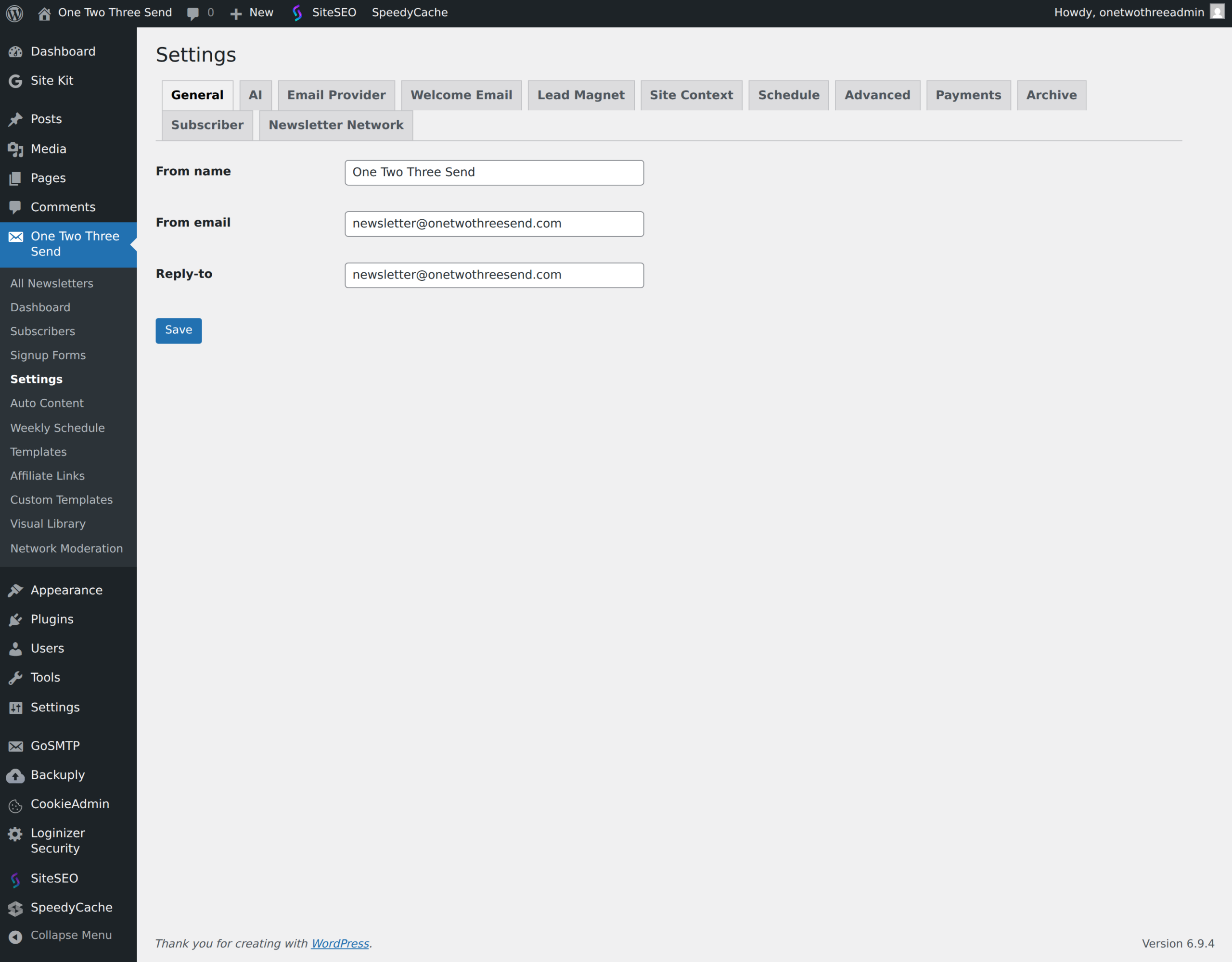
- One Two Three Send → Settings → General
- From name (e.g. your site name), from email (must be a domain you verified with the provider), reply-to.
5. Generate, audit, send
- One Two Three Send → New Newsletter. Pick tone + length, leave Topic blank to auto-pick from your most recent posts.
- Click Generate. The draft opens in the editor.
- Review the body. Use the AI sidebar (Rewrite, Shorten, Fix grammar, Suggest subject lines) if you want to polish.
- Click Run full audit — fix any FAILs.
- Add a test subscriber under Subscribers, then click Send Now.
That is the full loop. From here you probably want a signup form on your site and a schedule.
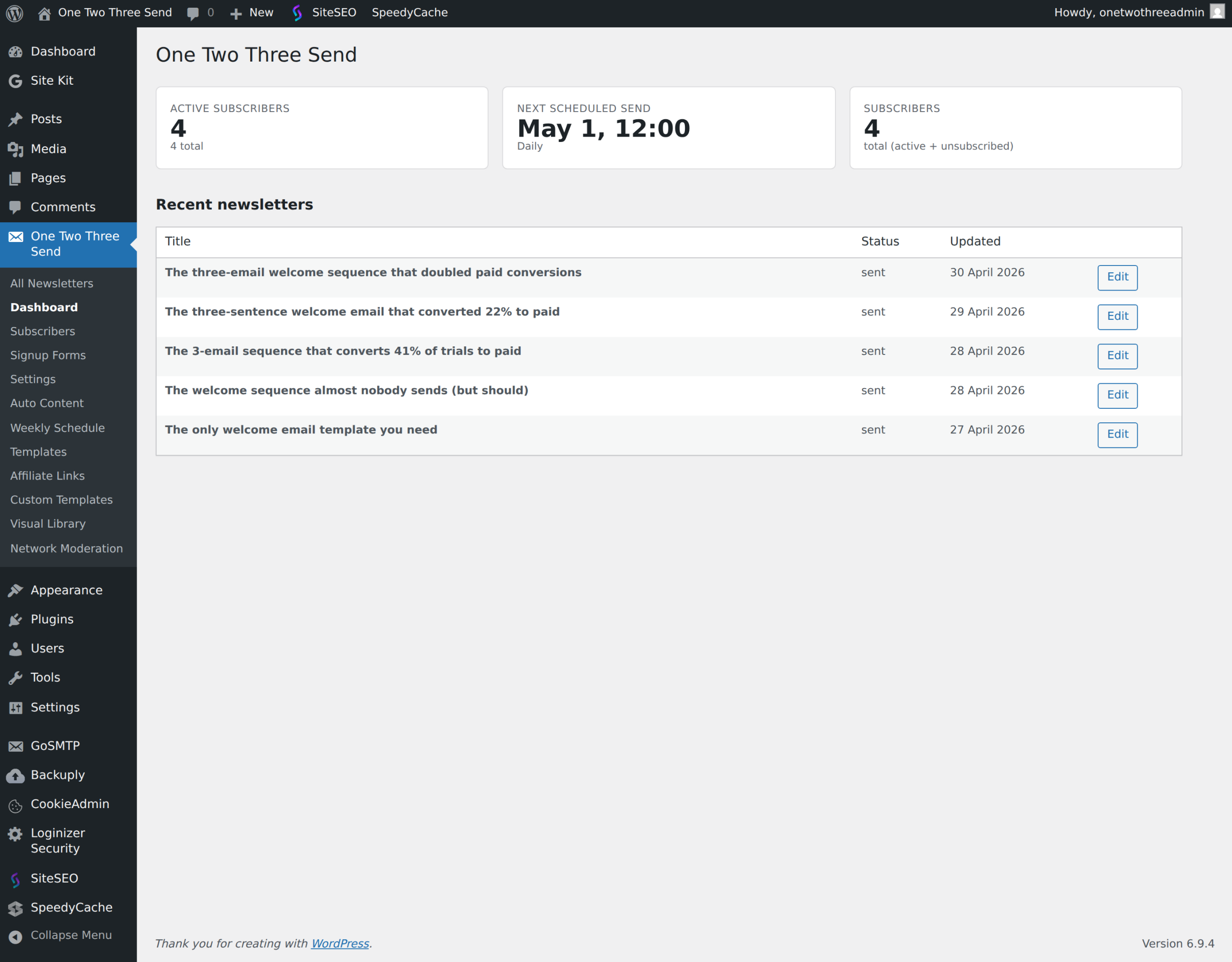
Plugin screenshots
A note on hosting
WordPress’s built-in cron (which One Two Three Send uses to schedule newsletters, and One Two Three Post uses to publish to Facebook) only fires when something triggers it — usually a page view. On low-traffic sites or hosts with aggressive caching, cron events can stall for hours. If you’re seeing scheduled sends or scheduled Facebook posts not fire on time, the fastest fix is usually moving to a host that runs a real server-side cron — we use BigScoots, which handles this without setup.