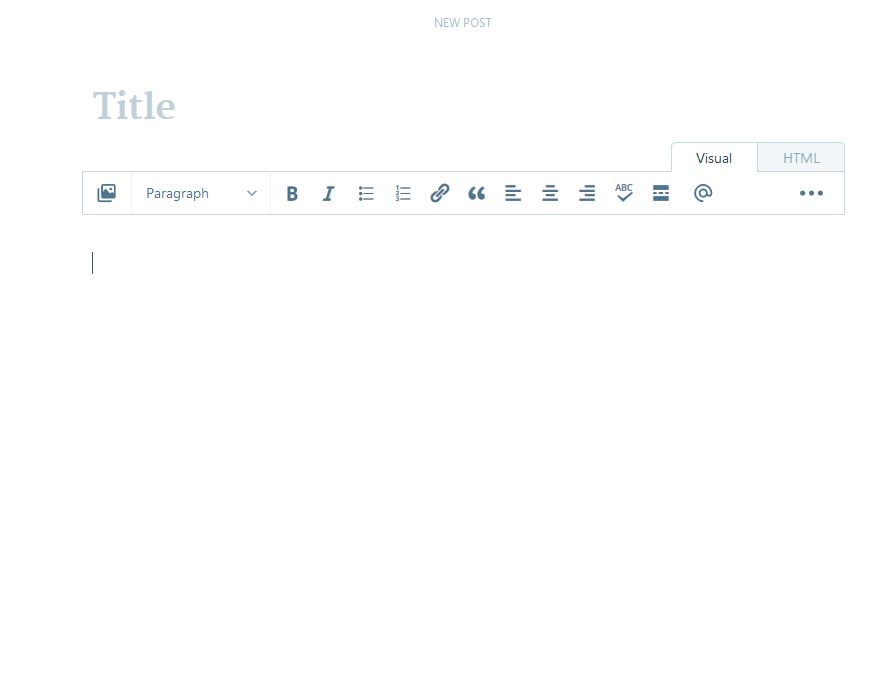
WordPress has been auto-saving your drafts every 60 seconds since version 2.6 shipped in 2008. Most operators never touch this setting. That’s fine—until you’re working on a long-form post, lose a paragraph to a browser crash, and realize the last save was two minutes old because you were editing in two tabs at once.
The auto-save interval is hardcoded to 60 seconds in core, but it’s filterable. Here’s how the feature actually works, when the default causes problems, and how to adjust it without breaking revision history.
How WordPress auto-save writes to the database
WordPress triggers auto-save via JavaScript heartbeat. Every 60 seconds, the editor sends a POST request to wp-admin/admin-ajax.php with your current draft content. The server writes it as a revision with post status inherit and type revision.
This happens in addition to manual saves. If you hit “Save Draft,” WordPress writes a full post revision. Auto-save revisions are lighter—they don’t trigger plugin hooks tied to save_post, and they’re pruned more aggressively when you hit the revision limit.
The 60-second interval is controlled by the AUTOSAVE_INTERVAL constant. If you don’t define it in wp-config.php, WordPress defaults to 60. The heartbeat itself runs every 15 seconds for most admin screens, but auto-save only fires every 60.
When the default interval breaks down
Two scenarios make 60 seconds too slow:
Long-form content with lots of inline edits. If you’re writing 2,000+ word posts and rewriting sections as you go, you can lose several paragraphs between auto-saves. Browser crashes, tab freezes, and accidental closes all mean you’re back to the last 60-second checkpoint.
Multi-tab editing. Open the same post in two tabs and WordPress gets confused. Auto-save from tab A can overwrite content from tab B if you’re typing in both. The last heartbeat wins. WordPress shows a warning banner when it detects concurrent editing, but if you’re switching between tabs quickly—fact-checking in one, writing in the other—you can trigger a race condition. Shortening the interval makes the conflict surface faster, which is actually useful.
The opposite problem—too-frequent saves—can happen if you set the interval below 30 seconds. Every auto-save writes a row to wp_posts. On shared hosting with strict query-per-hour limits, aggressive auto-save during a long editing session can eat your quota. I’ve seen this on budget plans that cap at 10,000 queries per hour. Two hours of editing at 15-second intervals is 480 saves. Add in plugin queries and you’re close to the limit.
How to override the interval
Add this to wp-config.php before the “stop editing” line:
define('AUTOSAVE_INTERVAL', 30);
That changes the interval to 30 seconds. You can go as low as 10, but I don’t recommend it unless you’re on managed hosting with no query caps. WordPress doesn’t enforce a floor—you could set it to 5—but the heartbeat API starts to lag if you hammer admin-ajax too hard.
If you’re using the block editor (Gutenberg), auto-save behaves slightly differently. The editor keeps an in-browser copy of your content in IndexedDB and syncs it to the server every 60 seconds. The constant still controls the server interval, but the browser cache means you’re less likely to lose content entirely. The trade-off: if IndexedDB gets cleared (some privacy extensions do this), you lose anything not synced to the server.
One non-obvious tip: if you’re working on a staging site or local dev environment and don’t want auto-save cluttering your revision history, set the interval to something absurdly high—300 or 600 seconds. WordPress will still save, but only every five or ten minutes. Alternatively, disable revisions entirely with define('WP_POST_REVISIONS', false);, but that also kills manual revision history.
What happens when auto-save conflicts with plugins
Some page builders—Elementor, Divi, Oxygen—bypass WordPress auto-save entirely and use their own save mechanisms. If you set AUTOSAVE_INTERVAL and nothing changes, check whether your editor is hooking into the native system. Elementor, for instance, saves to post meta on every change and only writes to post_content when you hit “Update.” The constant won’t affect that flow.
Collaboration plugins like EditFlow and PublishPress can also interfere. They add their own revision logic and sometimes double-save—once for WordPress, once for their audit log. If you’re seeing duplicate revisions or slow saves, try disabling those plugins temporarily and testing the interval change in isolation.
If you’re running a membership site or gated content setup, make sure auto-save respects your access control. Some plugins (especially older ones) don’t check capabilities on the admin-ajax endpoint, which means a non-privileged user could theoretically trigger auto-save on someone else’s draft. Most modern security plugins catch this, but it’s worth auditing if you have custom roles.
When to leave it alone
If you’re writing short posts (under 500 words), publishing quickly, and rarely editing in multiple tabs, the default 60-second interval is fine. The performance cost of changing it is near zero on modern hosting, but there’s no upside if you’re not hitting the edge cases.
For solo operators publishing a weekly newsletter and drafting in WordPress, the bigger risk is usually forgetting to hit publish, not losing content mid-draft. Auto-save won’t help with that.
Want more WordPress infrastructure breakdowns? Subscribe to One Two Three Send—we cover hosting, performance, and workflow mechanics for online operators every week.