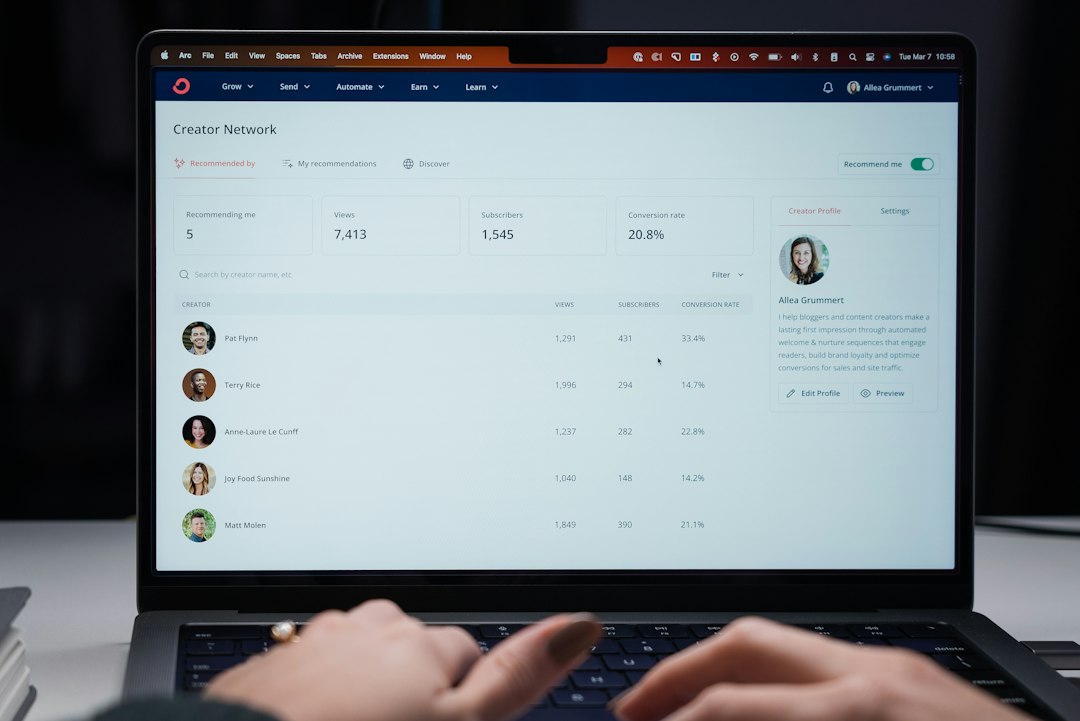
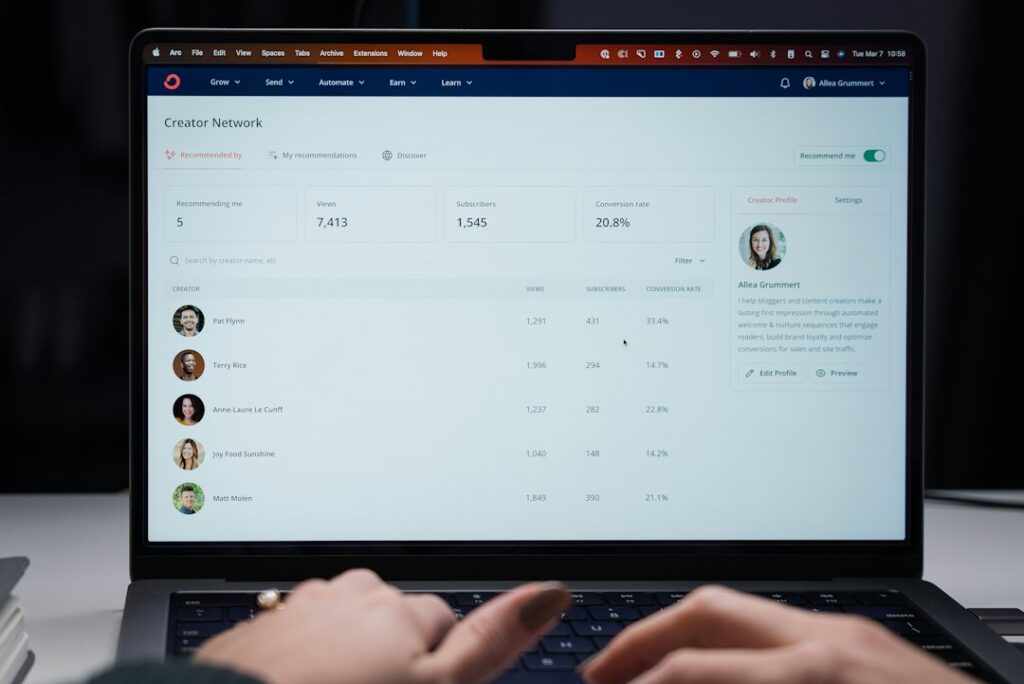
ConvertKit assigns every account a public creator profile by default. It lives at convertkit.com/creators/your-username, displays your name, bio, subscriber count (if you allow it), and links to your newsletter and products.
Most operators don’t know it exists until someone finds it through search or the ConvertKit creator directory. Whether that’s helpful or harmful depends on what you’re building and how you talk about your list size.
What the profile shows and where it appears
The profile page includes your account display name, a short bio (pulled from your account settings), your subscriber count (optional), and any public forms or products you’ve published. ConvertKit indexes these pages in its own creator directory, and Google indexes them too.
If you’ve enabled the subscriber count display, the number updates in near-real-time. That’s useful if you want social proof — “Join 12,483 readers” — but problematic if you’re pitching sponsors with inflated figures or prefer to keep growth private.
The profile also surfaces every public landing page and form you’ve created. If you’ve launched a lead magnet, a product page, or a public archive, those URLs appear here. Retired campaigns stay visible unless you archive or delete the form.
When public profiles help
If you’re building in public or want organic discovery, the profile acts as a lightweight portfolio. Other ConvertKit users browsing the directory can find you by topic, and the page ranks for branded searches (your name plus “newsletter” or “ConvertKit”).
It’s also a clean fallback link for podcast bios, Twitter profiles, or guest-post bylines when you don’t want to send people directly to a landing page. The profile gives context without forcing a signup decision immediately.
Some operators use the subscriber count as a trust signal. If you’re at 5,000+ subscribers and competing for attention in a crowded niche, showing the number can differentiate you from newcomers. Just be prepared for that number to become your public baseline — it’s harder to hide later if growth stalls.
When to turn it off
Go to Settings → Public profile in your ConvertKit dashboard (checked November 2026). You can disable the entire profile or just hide the subscriber count.
Turn it off if:
- You’re pitching sponsors and don’t want them cross-checking your claimed list size against a public number.
- You run multiple projects under one ConvertKit account and don’t want them visibly linked.
- You’ve archived old landing pages or lead magnets and don’t want them resurfacing in search results.
- You’re in a competitive niche and prefer not to telegraph your audience size to competitors.
Disabling the profile removes it from the ConvertKit directory and blocks the public URL. Google may take a few weeks to drop the cached page, but it won’t re-index once the profile is private.
The non-obvious detail: landing page visibility
Even if you disable your creator profile, individual ConvertKit landing pages remain public and indexed unless you manually set them to private or delete them. The profile just aggregates them in one place.
If you’ve launched a one-time lead magnet, promoted it, then moved on, that page is still live and findable. Check your Forms & Landing Pages list in ConvertKit and archive anything you’re no longer promoting. Archived forms stop accepting signups but don’t disappear from search immediately — you’ll need to wait for Google to drop them, or redirect the URL if you control a custom domain.
This matters most if you’ve tested multiple hooks, offers, or positioning statements. A public profile or indexed landing page can contradict your current messaging, especially if you’ve pivoted topics or renamed your newsletter.
If you want one central place for people to find you — and you’re comfortable with transparency around list size and past campaigns — leave the profile on. If you prefer control over what’s public and when, disable it and manage landing-page visibility manually.
Got a ConvertKit setup question or a feature you’d like explained? Reply to this email — we’ll cover it in a future issue.