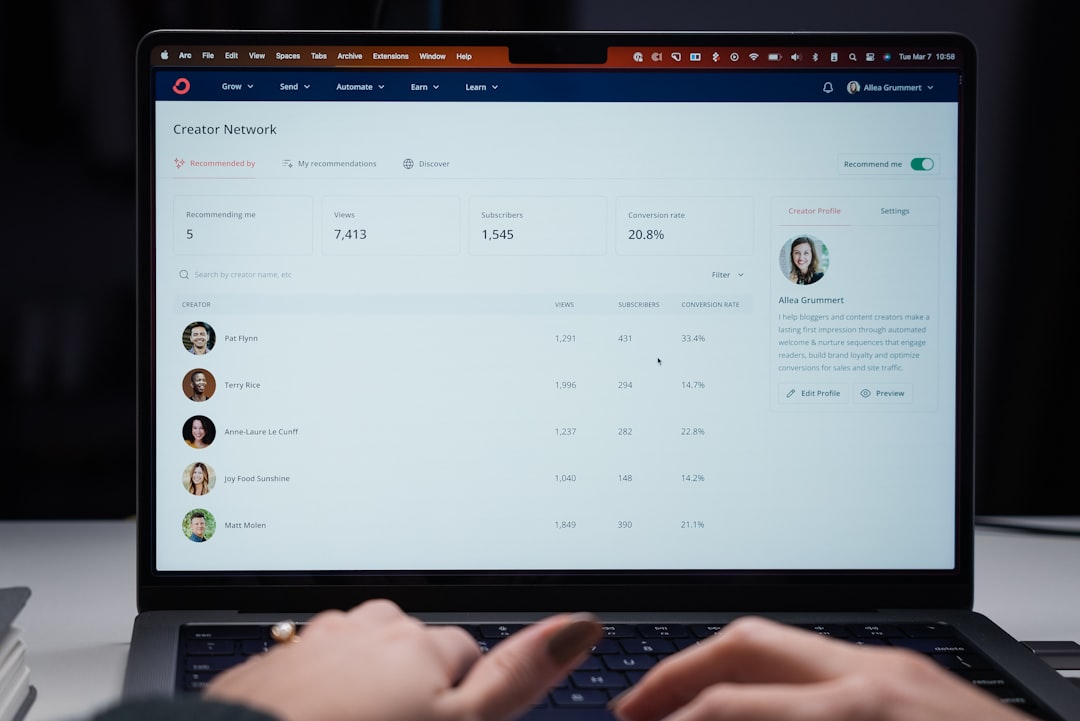
ConvertKit’s broadcast analytics dashboard updates in real time—sort of. Opens appear within minutes of sending. Link clicks take longer. Sometimes hours longer. If you’ve ever sent a broadcast, refreshed obsessively, and wondered why you’re seeing 400 opens but only 12 clicks an hour later, you’re not imagining things. The delay is real, and it’s not a bug.
Why opens report faster than clicks
Email opens are tracked with a tiny invisible image embedded in every message. When a recipient’s email client loads that image, ConvertKit logs an open. Most modern email clients—Gmail, Apple Mail, Outlook—preload images as soon as the email arrives in the inbox, even before the recipient actually opens it. That means ConvertKit sees the open event almost immediately, whether or not anyone’s reading.
Link clicks are different. They require the recipient to actually click a URL in your email. ConvertKit wraps every link with a tracking redirect, so when someone clicks, the request hits ConvertKit’s servers first, gets logged, then redirects to your destination. That’s a real human action, not a preloaded asset. It takes time—and it only happens if someone’s genuinely engaged.
The lag isn’t just about recipient behavior. ConvertKit processes click data in batches. Opens are logged instantly because they’re high-volume and low-cost to write. Clicks trigger additional database writes—subscriber activity logs, segment recalculations, automation triggers—so they’re processed in queues. Depending on send volume and server load, that queue can take 15 minutes to two hours to fully flush.
When the lag matters (and when it doesn’t)
If you’re sending time-sensitive content—a flash sale, a webinar reminder, a product launch—you need to know whether people are clicking, not just opening. But checking analytics five minutes after send is premature. The first wave of opens will arrive fast. Clicks won’t stabilize for at least 30 minutes, often longer.
Here’s the timing pattern I’ve seen across dozens of broadcasts to lists between 2,000 and 50,000 subscribers: opens plateau around 60–90 minutes post-send. Clicks plateau around 90–120 minutes. If you’re making a decision—resend to non-openers, adjust your landing page, kill an underperforming link—wait at least two hours. Earlier than that, you’re reading incomplete data.
One edge case: if you’re using ConvertKit’s link triggers to start an automation (e.g., someone clicks “Download the guide” and gets tagged or moved to a sequence), those triggers fire in real time. The click gets logged for automation purposes immediately, but the analytics dashboard number lags behind. So your automation might run before the dashboard reflects the click. That’s intentional—ConvertKit prioritizes subscriber experience over reporting speed.
How to read early-stage broadcast data correctly
Don’t calculate click-through rate in the first hour. The denominator (opens) inflates faster than the numerator (clicks), so your CTR will look artificially low. If you see 8% CTR at the 30-minute mark, it’ll likely settle closer to 12–15% by hour three. I’ve watched this pattern repeat across hundreds of sends.
Instead, track absolute click volume early on. If you’re expecting 200 clicks based on past performance and you’re seeing 40 after 30 minutes, you’re probably on track. If you’re seeing 4, something’s wrong—your subject line didn’t match your content, your link isn’t visible, or your CTA is buried.
One non-obvious tactic: compare your current broadcast’s early click volume to a similar past broadcast at the same elapsed time. ConvertKit doesn’t surface this view natively, so keep a simple spreadsheet: broadcast name, list size, clicks at 30 min, clicks at 60 min, final clicks at 24 hours. After five or six sends, you’ll have a reliable benchmark. If today’s 30-minute number is significantly lower than your average, you can troubleshoot before the send is fully delivered.
When stale data becomes a problem
The lag compounds if you’re running paid traffic to a landing page mentioned in your broadcast. You send the email, check ConvertKit 20 minutes later, see weak click numbers, panic, and spin up a Facebook ad to the same page. Then the ConvertKit clicks catch up an hour later, your ad spend overlaps with organic email traffic, and you can’t tell which source drove conversions. If you’re mixing email and paid on the same day, give email at least 90 minutes to report fully before you activate paid.
ConvertKit’s reporting delay is also why A/B subject line tests sometimes feel inconclusive. The platform splits your list, sends both variants, and declares a winner based on open rate after a set window (usually 4 hours). But if clicks are your real goal, the winner might not be the variant with the highest open rate—it’s the one with the best click-through. You won’t know that until hours after ConvertKit has already sent the winning variant to the remainder of your list.
If click-through matters more than open rate for your business, skip ConvertKit’s built-in A/B test. Manually split your list into two segments, send both variants as separate broadcasts, and wait 3–4 hours to compare click data. It’s more work, but the data’s accurate.
Got a ConvertKit analytics question we should cover? Reply to this email—we read every one and use reader questions to shape future articles. If you found this useful, forward it to another operator who’s probably refreshing their dashboard right now.