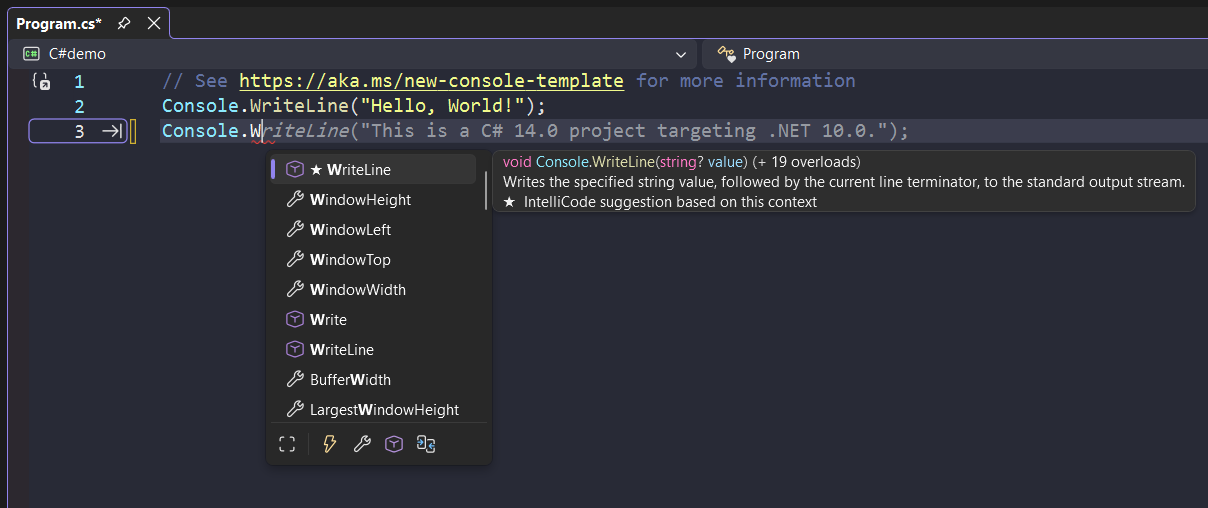
Most AI writing assistants now ship with inline autocomplete. You type a few words, the tool suggests the rest of the sentence in gray text, and you hit Tab to accept. It feels like a productivity win—until you realize the AI just rewrote your thought in someone else’s voice.
The problem isn’t that the suggestions are wrong. It’s that they’re different. They add qualifiers you didn’t want, shift your tone toward corporate blandness, and train you to stop mid-sentence waiting for the machine to finish your idea.
If you’re running a content business where voice matters—newsletters, courses, social posts—autocomplete can quietly erode the thing that makes your work recognizable. Here’s what actually happens when you leave it on, and when to turn it off.
What autocomplete changes without asking
Inline AI suggestions don’t just complete sentences. They reframe them. You type “This tool breaks when,” and the AI suggests “you’re working with large datasets or complex integrations.” Maybe that’s true. Maybe you were about to say “you forget to clear the cache.”
The suggested text is rarely factually wrong—it’s tonally off. It adds hedging language (“typically,” “often,” “in many cases”) that dilutes directness. It defaults to longer constructions when shorter ones work better. It gravitates toward explanatory prose even when you’re trying to be terse.
Over time, if you accept most suggestions, your drafts start to sound like the training data: smooth, generic, forgettable. That’s fine for internal documentation. It’s a problem if your business depends on readers recognizing your style.
The cognitive cost of gray text
Autocomplete creates a new interruption point. You’re mid-thought, the suggestion appears, and you have to decide: accept, ignore, or edit. That decision happens dozens of times per paragraph.
When the feature works well, it saves keystrokes. When it misfires—suggesting something plausible but wrong—you either reject it manually or accept it and backspace, which is slower than typing the sentence yourself. The calculation flips from “productivity aid” to “cognitive overhead.”
Some tools let you configure aggressiveness: how many characters you type before suggestions appear, or whether they trigger on punctuation. Claude and similar assistants typically don’t show inline suggestions at all unless you explicitly invoke them, which keeps the writing surface clean. Tools like Notion AI, Jasper, and Google Docs’ Smart Compose fire automatically.
If you find yourself pausing to wait for the autocomplete instead of finishing your own sentence, the feature has become a dependency. Turn it off for a week and see if your drafting speed actually changes.
When autocomplete is worth keeping
There are workflows where autocomplete genuinely helps. Repetitive structures—product descriptions, email templates, FAQ answers—benefit from prediction. If you’re writing the same shape of sentence twenty times, letting the AI fill in the pattern saves real time.
Technical writing with consistent phrasing also benefits. API documentation, changelog entries, support articles—contexts where voice consistency matters less than structural uniformity. Autocomplete can enforce house style without you thinking about it.
And if you’re drafting in a second language, suggestions can surface phrasing you wouldn’t have recalled on your own. The trade-off shifts: you care more about fluency than voice, so the AI’s rewriting is a feature, not a bug.
But for most newsletter operators, course creators, and content-driven solo businesses, autocomplete optimizes the wrong thing. It makes drafting feel faster without making the final output better. Speed at the sentence level doesn’t matter if you have to spend an extra hour in revision reclaiming your voice.
How to disable it (and what you lose)
Most tools bury the toggle. In Google Docs, it’s under Tools > Preferences > Show Smart Compose suggestions. Notion AI has a workspace setting under Settings & members > AI > Autocomplete. Grammarly offers it in Account > Customize Grammarly > Tone & Style.
Turning off autocomplete doesn’t disable the AI entirely. You can still highlight text and ask for rewrites, expansions, or tone shifts. You just stop getting unsolicited suggestions while you type. The AI becomes a tool you invoke, not a copilot hovering over every keystroke.
What you lose: genuinely helpful completions for boilerplate text, and the occasional phrase that’s better than what you would’ve written. What you gain: uninterrupted flow, fewer decisions per paragraph, and drafts that sound like you from the first pass.
If you’re not sure whether autocomplete is helping or hurting, try this: draft your next three posts with it off. If you don’t miss it, leave it off. If you find yourself manually invoking the AI for the same repetitive tasks, turn it back on—but set it to manual trigger only, so it waits for you instead of the other way around.
What’s your autocomplete policy? Reply and let me know if you keep it on, turn it off, or toggle it by project. I’m tracking how solo operators actually use these features in practice.
Heads up — some links in this article are affiliate links. If you sign up through them, we may earn a small commission at no extra cost to you. We only recommend tools we use ourselves.