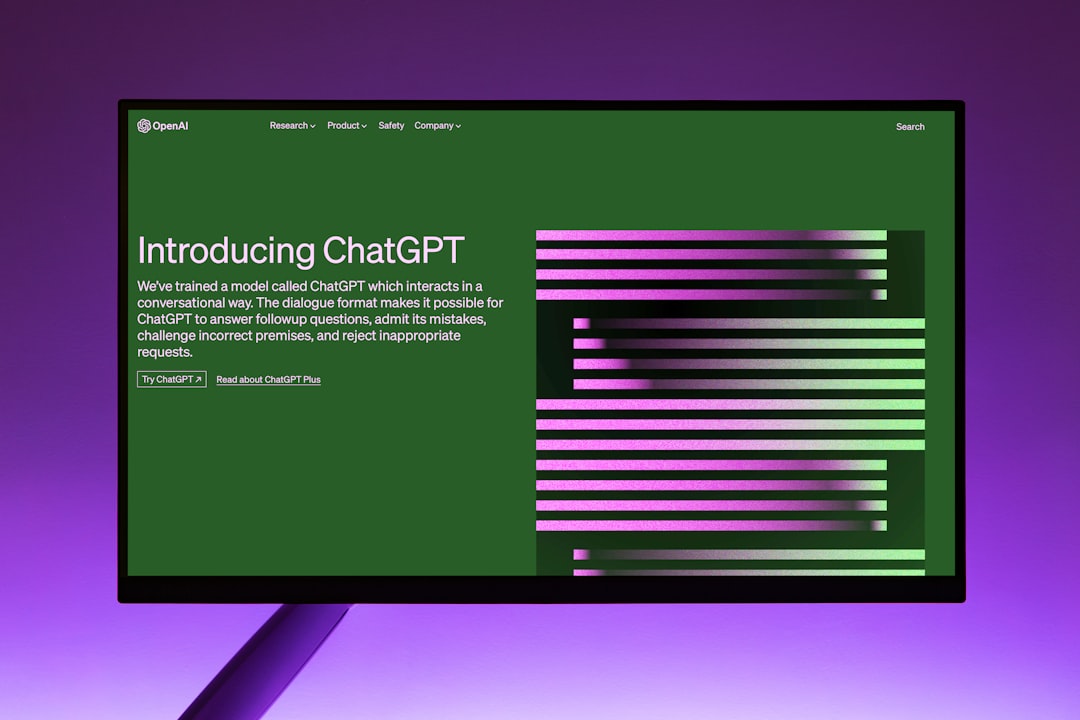
ChatGPT’s Custom Instructions feature lets you define persistent context that carries across every new chat. For solo operators running content calendars, client briefs, or repetitive workflows, it’s supposed to eliminate the copy-paste ritual of re-stating your role, audience, and formatting preferences every single time.
In practice, it works—but only within specific boundaries that aren’t surfaced in the UI. Understanding what the feature actually retains, when it gets overridden, and how token allocation works will determine whether it saves you time or quietly undermines your prompts.
What Custom Instructions stores
The feature splits into two text boxes: “What would you like ChatGPT to know about you?” and “How would you like ChatGPT to respond?” Each accepts up to 1,500 characters. That’s roughly 300–400 tokens, depending on vocabulary.
The first box is for context: your role, business model, audience, constraints. The second is for output preferences: tone, structure, length, formatting rules.
Both get prepended to every new conversation as invisible system-level instructions. They don’t appear in the chat transcript, but they consume part of the context window before your first user message even loads.
This matters because ChatGPT-4’s context window is 8,192 tokens (standard) or 32,768 tokens (extended, via API or Plus with longer chats enabled). If your Custom Instructions use 400 tokens and your conversation history fills another 6,000, you’ve got roughly 1,800 tokens left for the next user prompt and model response combined. Long conversations will eventually push Custom Instructions out of active memory—the model still “sees” them in the system prompt, but prioritises recent turns.
When instructions get ignored
Custom Instructions apply to new chats only. If you edit them mid-conversation, the changes don’t retroactively alter the existing thread. Start a fresh chat to pick up the edits.
They also don’t override explicit contradictions in your user prompt. If your Custom Instructions say “always respond in bullet points” but your message says “write this as a paragraph,” the user prompt wins. The model treats Custom Instructions as defaults, not mandates.
This is useful when you need to temporarily deviate—run a one-off analysis in a different format—but it also means vague user prompts can dilute or ignore your standing instructions entirely. Specificity in the moment beats standing context.
Finally, Custom Instructions don’t persist across different ChatGPT interfaces. They apply to the web UI and the iOS/Android apps, but not to API calls, plugins, or third-party wrappers. If you’re running ChatGPT via Zapier, Make, or a custom script, you’ll need to inject that context manually in each request.
What to put in—and what to skip
Effective Custom Instructions are narrow and structural, not aspirational. “I run a weekly newsletter about SaaS pricing for B2B founders” is useful. “I value creativity and outside-the-box thinking” is not—it’s too abstract to influence output in a measurable way.
Good candidates for the context box:
- Your primary business model and audience (e.g., “solo operator running a paid Substack on AI regulation”)
- Constraints you apply consistently (e.g., “posts are 800 words, American English, no listicles”)
- Tools or platforms you use regularly (e.g., “I use ConvertKit and WordPress, not Mailchimp or Wix”)
- Terminology preferences (e.g., “call them ‘subscribers,’ not ‘users’”)
Good candidates for the response box:
- Structural defaults (e.g., “use H2 subheadings, no H3s”)
- Tone boundaries (e.g., “conversational but not casual, no exclamation marks”)
- Output length (e.g., “default to 600–800 words unless I specify otherwise”)
- Formatting rules (e.g., “return HTML, not Markdown”)
Skip anything that changes project-to-project. Don’t embed client names, specific article topics, or one-off formatting requests—those belong in the user prompt, not standing instructions.
One non-obvious tip: version your instructions
Custom Instructions have no built-in versioning or change log. If you tweak them and output quality shifts, you won’t have a record of what changed unless you save snapshots externally.
Keep a simple text file or note with dated versions of your instructions. When you experiment—tightening tone, adding a structural rule, removing a constraint—log the edit and the date. If output degrades or drifts after a few weeks, you can diff versions and pinpoint what shifted.
This is especially useful if you’re running ChatGPT in parallel with Claude or another model. Custom Instructions are ChatGPT-specific, but the principles transfer. A versioned reference file lets you port tested context patterns across tools without starting from scratch each time.
If you’re using Custom Instructions already, reply and tell us what’s in yours—or what you’ve tried and removed. We’re cataloging what actually works for operators running content businesses, not just what the feature says it does.
Heads up — some links in this article are affiliate links. If you sign up through them, we may earn a small commission at no extra cost to you. We only recommend tools we use ourselves.