Most affiliate link cloaking plugins add a redirect layer between your reader’s click and the destination URL. That redirect costs time—anywhere from 40 milliseconds on a fast server to 150ms or more on shared hosting during traffic spikes.
The redirect happens server-side. Your reader clicks a link like yoursite.com/recommends/tool, your WordPress installation receives the request, queries the database to match the slug to a destination URL, then sends a 301 or 302 response pointing the browser to the actual affiliate link. Only then does the affiliate network’s page start loading.
For a single click, 80ms is invisible. But if you’re running a tools directory, a resource page with twenty affiliate links, or a comparison post where readers open multiple tabs, those redirects compound. And every millisecond between click and page load is a chance for the reader to close the tab or question whether the link is broken.
How cloaking plugins handle redirects
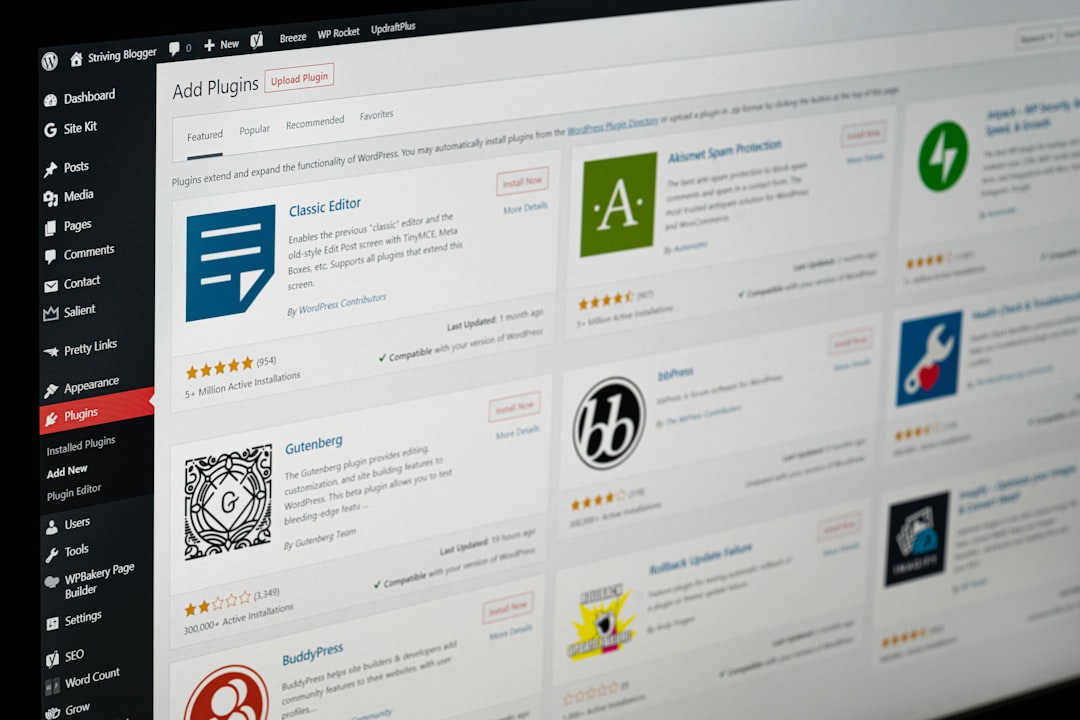
Popular plugins like Pretty Links, ThirstyAffiliates, and Lasso all work the same way: they register custom post types or rewrite rules in WordPress, store the destination URL in the database, and serve a redirect when the slug is requested.
The redirect type matters. A 301 (permanent) tells browsers and search engines to cache the destination, which speeds up repeat visits but makes it harder to update links later. A 302 (temporary) doesn’t cache, so every click triggers a fresh database lookup. Most plugins default to 302 for affiliate links because affiliate URLs change—vendors update tracking parameters, programs shut down, or you switch networks.
The database query is usually fast, but on shared hosting with limited MySQL resources or a bloated wp_posts table, that lookup can add 50–100ms. If your cloaking plugin also logs clicks (for internal analytics), it’s writing to the database on every redirect, which adds even more overhead during high-traffic periods.
When the redirect tax is worth paying
Cloaking makes sense in three situations.
First: you’re managing dozens of affiliate links across multiple posts and need a central place to update URLs when programs change. Editing twenty posts manually every time a vendor changes their tracking subdomain is a maintenance nightmare. A redirect plugin lets you update once and propagate everywhere.
Second: you want click tracking without sending data to Google Analytics or a third-party analytics tool. Some cloaking plugins offer built-in reporting—total clicks, top links, conversion estimates if you integrate with affiliate dashboards. If you’re already paying for the plugin and it replaces a separate analytics subscription, the redirect cost is justified.
Third: you’re masking ugly affiliate URLs for reader trust. A raw ShareASale or Impact link with sixty-character tracking strings looks spammy. A clean /recommends/hosting slug feels intentional. This matters more for higher-ticket offers where readers scrutinize links before clicking.
If none of those apply—if you have five affiliate links that never change, or you’re fine with raw URLs—skip the plugin. The redirect tax buys you nothing.
One faster alternative: static rewrites
If you’re on a VPS or managed WordPress host that lets you edit your Nginx or Apache config, you can bypass WordPress entirely and handle redirects at the web server level. Add a rewrite rule that maps /recommends/tool directly to the affiliate URL without touching PHP or MySQL.
Here’s an Nginx example:
location = /recommends/hosting {
  return 302 https://affiliate.network/your-link;
}
This cuts redirect time to 5–15ms because the web server handles it before WordPress even loads. The downside: you lose click tracking, and updating links means editing the config file and reloading the server. It’s faster but less flexible.
For solo operators with a handful of stable affiliate links and access to server config, this is the lowest-latency option. For teams managing dozens of rotating links, a cloaking plugin is still the practical choice—just pick one that skips click logging if you don’t need it, and monitor redirect time with a tool like Pingdom or WebPageTest.
One thing to check today
Open your browser’s developer tools, go to the Network tab, and click one of your cloaked affiliate links. Look at the timing breakdown. If the redirect takes more than 100ms on average, your cloaking plugin is adding measurable friction. Consider switching to a lighter plugin, moving to server-level redirects for your top five links, or just using raw affiliate URLs where the redirect cost outweighs the benefit.
Redirects aren’t evil, but they’re not free. Know what you’re paying for.
Want more tactics like this? Subscribe to One Two Three Send for weekly breakdowns of the tools, trades, and traps that solo operators actually face.