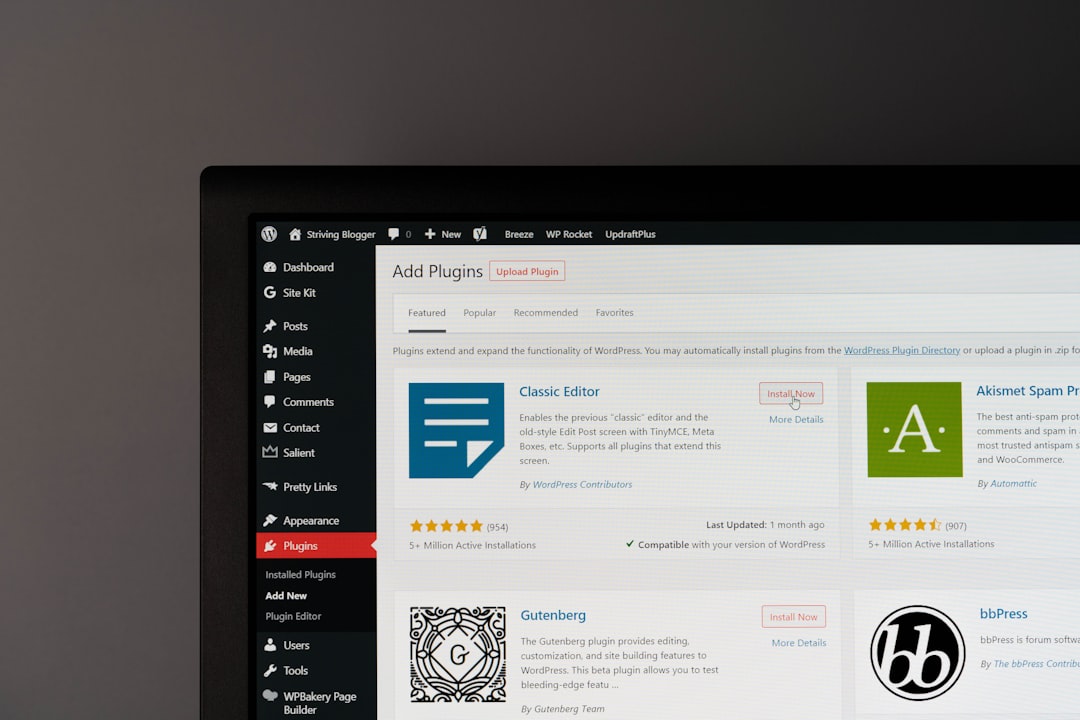
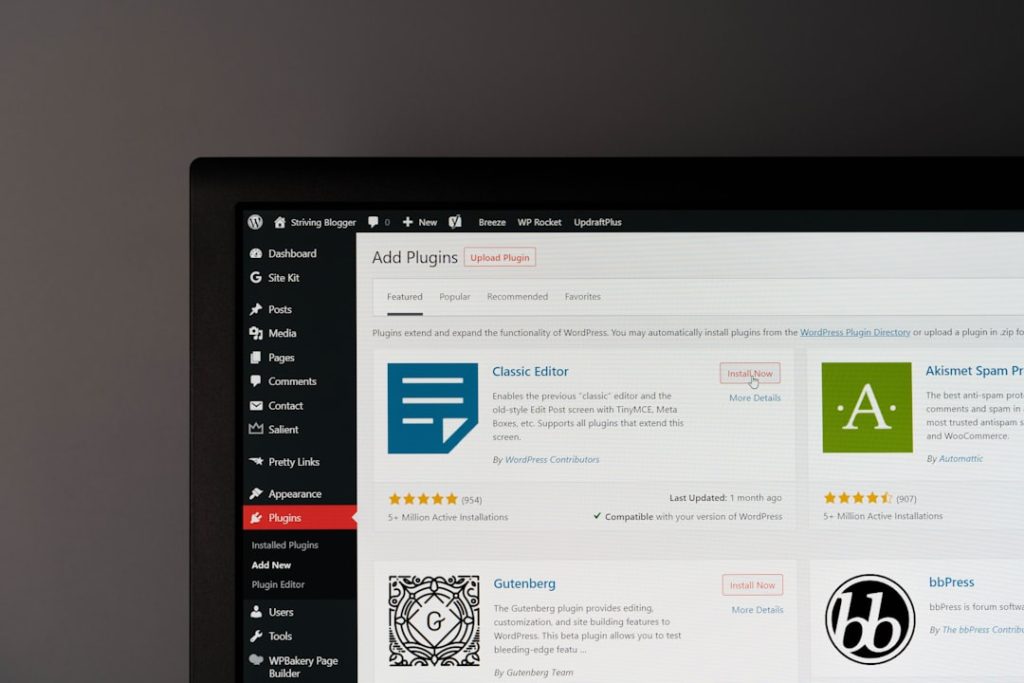
If you’ve ever typed a keyword into the WordPress media library search bar and watched it return nothing—despite knowing you meticulously added alt text to that exact image three months ago—you’re not imagining things. WordPress media library search doesn’t index alt text by default. It only searches file names, titles, captions, and descriptions.
For solo operators managing a growing library of stock photos, screenshots, and custom graphics, this is more than an annoyance. It’s a workflow tax that compounds every time you need to reuse an image.
What the media library search actually indexes
Out of the box, WordPress media search queries four fields: the attachment post title (usually derived from the file name), the caption, the description, and the file name itself. Alt text lives in a separate post meta field (_wp_attachment_image_alt) and is deliberately excluded from the default search query.
This decision dates back to WordPress core architecture. Alt text was added later than the other fields, and backwards compatibility concerns kept it out of the search scope. The result: you can have 400 images with perfect alt text and zero ability to surface them by searching for the words you wrote.
If you’re running a content site where images get reused across posts—product screenshots, annotated charts, author headshots—this creates two problems. First, you waste time scrolling or re-uploading duplicates. Second, you’re less likely to maintain good alt text hygiene if the system doesn’t reward you for it.
Why this matters for accessibility and SEO
Alt text isn’t just for screen readers. It’s also the fallback when images fail to load, and it contributes to image SEO. If your workflow separates “alt text for accessibility” from “searchable metadata,” you’re maintaining two systems where one should suffice.
Many operators add keywords to the image title or caption purely to make search work, then duplicate the same text in alt text for compliance. That’s redundant labor. Worse, it encourages bad alt text—cramming keywords instead of describing the image meaningfully.
A better system would let you search by alt text and trust that the field serves both accessibility and discoverability. WordPress doesn’t do this natively, but you can fix it.
How to make alt text searchable
The cleanest solution is a small function added to your theme’s functions.php or a custom plugin. This snippet hooks into the media library query and includes alt text in the search scope:
function extend_media_search_alt_text( $where, $query ) {
  global $wpdb;
  if ( $query->is_search() && isset( $query->query_vars['post_type'] ) && $query->query_vars['post_type'] === 'attachment' ) {
    $search_term = $wpdb->esc_like( $query->query_vars['s'] );
    $where .= $wpdb->prepare( " OR ( $wpdb->postmeta.meta_key = '_wp_attachment_image_alt' AND $wpdb->postmeta.meta_value LIKE %s )", '%' . $search_term . '%' );
  }
  return $where;
}
add_filter( 'posts_where', 'extend_media_search_alt_text', 10, 2 );
This tells WordPress to join the postmeta table and include alt text when searching attachments. Once active, typing “pricing chart” into the media library will return any image with that phrase in the alt text—even if the file name is IMG_3487.png.
If you’re not comfortable editing PHP, a handful of plugins handle this. Search & Filter and Enhanced Media Library both extend media search, though they add other features you may not need. The function above is lighter and does one thing well.
When to use file names instead
There’s one case where skipping alt text search makes sense: if you’re using a digital asset management system or a headless CMS that treats WordPress as a media CDN. In those workflows, images often arrive with machine-generated alt text or none at all, and file naming conventions carry the metadata load.
But for most solo operators and small teams publishing directly in WordPress, alt text is where the human-readable description lives. Making it searchable closes the loop.
Once you’ve added the function, spend ten minutes backfilling alt text on your most-reused images—screenshots, logos, charts. The next time you need that “customer dashboard screenshot with annotations,” you’ll type six words instead of scrolling through 200 uploads.
Want more WordPress infrastructure fixes like this? Reply and tell us which core behavior wastes your time—we’ll cover it in a future issue.