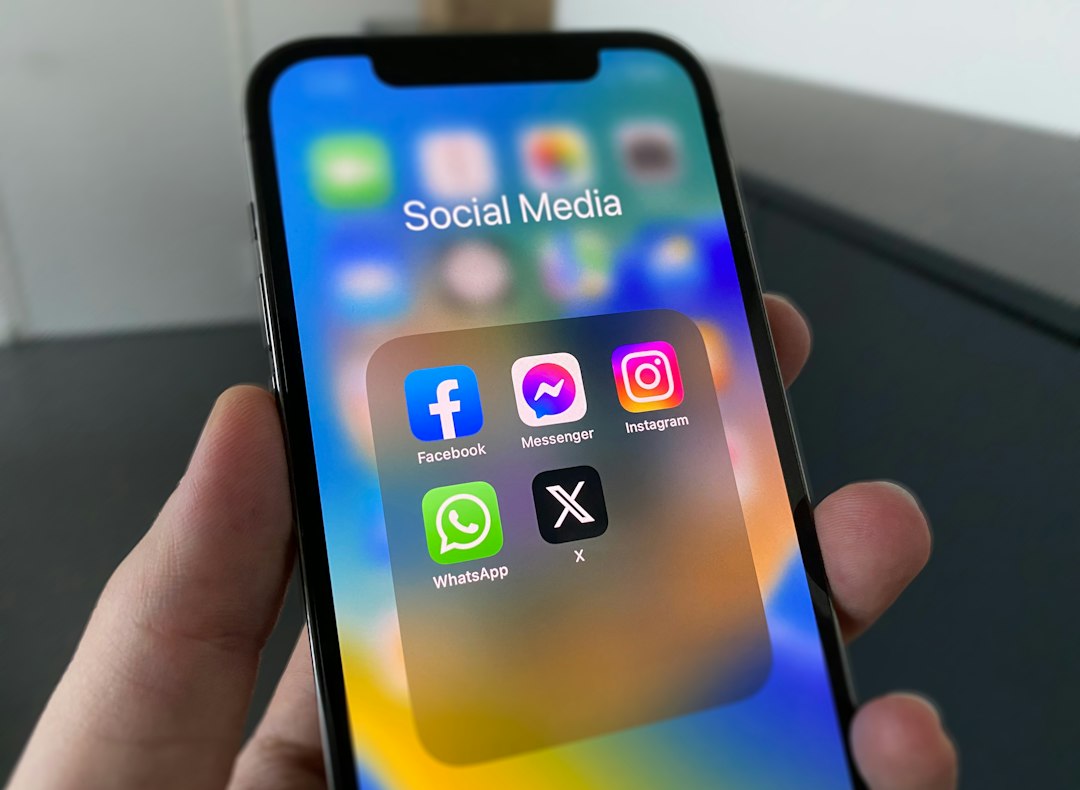
Post the same link across four platforms and you’ll see four different outcomes. LinkedIn will render a preview card. X might throttle your reach. Threads will bury you in the algorithm. Bluesky leaves it alone but offers no preview. None of this is documented well, and most operators only notice when traffic drops.
Understanding how each network treats external URLs—and why—helps you route traffic without fighting the platform. Here’s what happens to your links on the four networks solo operators use most in 2026.
LinkedIn: preview cards stay, but the algorithm favours native content
LinkedIn renders link previews automatically when you paste a URL into a post. The card shows the page title, description, and featured image pulled from your Open Graph tags. That part works reliably.
What LinkedIn doesn’t advertise: posts with external links receive less algorithmic distribution than text-only posts or native document uploads. LinkedIn’s creator guidance (checked October 2026) encourages members to “start conversations” rather than drive clicks away from the platform.
Operators who post the same article as a LinkedIn native document—uploaded as a PDF or composed in LinkedIn’s article editor—report higher impression counts than link posts. LinkedIn doesn’t publish the discount rate, but the pattern is consistent enough that most B2B newsletters now post a teaser on LinkedIn and put the link in the first comment instead of the original post body.
That workaround still triggers a preview card in the comment thread, and anecdotally performs better than embedding the link in the main post. LinkedIn has not confirmed this behaviour, but it aligns with their stated preference for on-platform engagement.
X: external links trigger reach throttling
X (formerly Twitter) has publicly stated that posts containing external links receive less distribution. In April 2023, Elon Musk posted that the platform would “vastly increase” the weight of text and media shared natively versus links that take users off-site. That policy remains in effect as of October 2026.
When you include a URL in a post on X, the platform renders a preview card with the title, description, and image. But the post’s reach—measured by impressions and profile visits—drops compared to identical text posted without a link.
The recommended workaround: post your commentary or hook as the main tweet, then reply to your own tweet with the link. The reply still gets seen by your followers and appears in the thread, but the primary post enters the algorithm without the external-link penalty. This two-tweet pattern is now standard among newsletter operators and content creators who rely on X for traffic.
One edge case: X prioritises posts from paid subscribers (X Premium, formerly Blue). Paid accounts see less severe throttling on link posts, though the gap still exists. X Premium features (checked October 2026) mention “higher ranking in conversations and search” but do not quantify the link-post discount.
Threads: links work, but discovery is nearly invisible
Threads, Meta’s text-based social network, allows external links and renders basic preview cards when you paste a URL. The post appears in your followers’ feeds. But Threads’ recommendation algorithm—the “For You” feed that drives most discovery—heavily favours conversational posts over promotional content.
Meta has not published detailed ranking criteria for Threads, but the launch announcement (July 2023) emphasised “positive, productive conversations.” In practice, posts with external links rarely appear in the For You feed unless they’ve already generated significant replies and engagement from your direct followers.
Threads also lacks hashtag search and keyword discovery as of October 2026, so there’s no SEO-style workaround. The platform functions best as a discussion space for your existing audience, not a traffic engine. Operators who treat Threads as a place to build relationships—then move readers to a newsletter or blog via profile bio link—see better results than those who post links directly.
Bluesky: links are untouched, but previews require extra work
Bluesky does not penalise external links in its algorithm. The platform’s federation protocol (checked October 2026) treats links as plain text by default. If you want a preview card, you need to ensure your page includes valid Open Graph meta tags (og:title, og:description, og:image).
Bluesky fetches these tags when you paste a URL, but the process is less forgiving than LinkedIn or X. If your image is too large (over 1 MB), not served over HTTPS, or missing a proper content-type header, the preview fails silently and your link appears as plain blue text.
The upside: Bluesky’s chronological and discovery feeds don’t down-rank link posts. If your audience follows you, they see your posts in order. The lack of algorithmic suppression makes Bluesky one of the cleanest platforms for driving traffic, provided your audience is already there.
What this means for your posting strategy
If you’re sending readers to a newsletter signup page, a blog post, or a product launch, the platform you choose matters as much as the copy.
- LinkedIn: Post a text teaser or native document; drop the link in the first comment.
- X: Post the hook as the main tweet, reply with the link immediately.
- Threads: Use it for conversation and community; put the destination link in your profile.
- Bluesky: Post the link directly; make sure your Open Graph tags are clean.
Each network’s link policy reflects its business model. Platforms that monetise attention (LinkedIn, X, Threads) want users to stay on-platform. Bluesky, built on open protocols and funded by grants rather than ads, has no such incentive—yet.
If you’re using a scheduler like Publer to post across networks, don’t syndicate identical link posts. Customise the format for each platform, or accept that some networks will suppress your reach. The same URL posted four ways will perform four times differently.
Got a question about cross-posting or social traffic? Reply to this email—we read every response and use your questions to shape future articles.
Heads up — some links in this article are affiliate links. If you sign up through them, we may earn a small commission at no extra cost to you. We only recommend tools we use ourselves.