Google Business Profile posts vanish early—here's the window
The coffee machine in the back office hisses steam at half-past six, and somewhere between the second cup and the first inbox sweep, you remember you scheduled a Business Profile post for next Tuesday—except Google’s calendar doesn’t match yours.
Google Business Profile posts expire before your calendar says they should
Schedule a post for ten days out and it vanishes at seven—here’s why the window closes early.
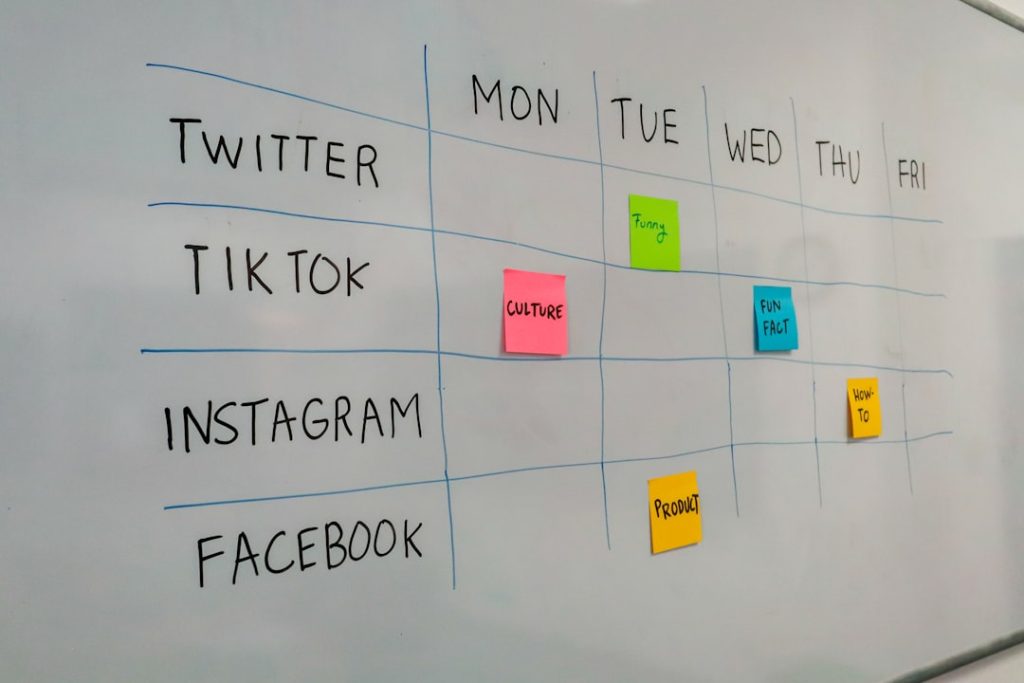
Google Business Profile lets you schedule posts, but the platform enforces a seven-day maximum lifespan from the moment a post goes live—not from the moment you hit publish. If you schedule a post to appear three days from now and set it to run for seven days, it still expires seven days after it goes live, giving you exactly the window you expect. But if you try to schedule further out, or set a longer duration, the post disappears earlier than your editorial calendar suggests.
The seven-day limit applies to all post types—offers, events, updates, and product posts—and the clock starts when the post becomes visible, not when you save the draft. If you’re promoting a weekend event and schedule the post on Monday for Friday publication, the post expires the following Friday, not the Monday after. That means your Friday-to-Sunday event loses visibility halfway through Sunday. The platform doesn’t warn you during scheduling; it simply enforces the limit server-side and removes the post without notification.
Most operators schedule a week’s worth of posts in a single session, assuming each will run its full intended duration. That assumption breaks when the publish date and expiration date collide with Google’s rolling seven-day window. The workaround is to schedule posts no more than a few days in advance and set expiration dates manually, checking that the gap between go-live and takedown fits within the seven-day envelope. If your event or offer spans longer than a week, you’ll need to create multiple posts or accept that the final days won’t have Business Profile coverage.
TACTIC
Stripe checkout links die faster than your email sequence expects
You send a three-email sequence promoting a workshop, each message carrying the same checkout link. The first email converts well, but by email three—sent five days later—clicks bounce to an error page. Stripe checkout sessions expire after twenty-four hours by default, and while you can extend that window, most operators don’t realise the link has a shelf life until a reader complains. If your nurture sequence or drip campaign stretches across multiple days, you need to either generate a fresh session for each send or configure a longer expiration window in your Stripe dashboard. The session ID is baked into the URL, so recycling the same link across a week-long sequence guarantees dead links by midweek.
READER QUESTION
When your WordPress CDN cache holds onto yesterday’s post
You publish a time-sensitive update—a flash sale, a correction, a new post in a series—and the homepage still shows yesterday’s content twenty minutes later. CDN edge caches don’t always honour WordPress’s purge signal when you hit Publish, especially if your cache plugin and CDN provider use different purge APIs or if the edge node hasn’t checked in recently. Some CDN configurations cache for hours by default and rely on manual purge triggers that your plugin can’t reach. The result is stale pages that linger until the TTL expires or you manually flush the cache from the CDN dashboard. If your publishing workflow depends on immediate visibility, you need to verify that your WordPress cache plugin and CDN share a purge mechanism that fires reliably on publish.
FROM THE ARCHIVE
Payment processors show their logo on your checkout—unless you pay more
You build a landing page, hook up a payment link, and send traffic—only to discover the checkout page carries the processor’s logo, colour scheme, and footer copy. Stripe, PayPal, Gumroad, and Lemon Squeezy all handle branding differently: some let you hide their marks on free tiers, others gate white-label checkouts behind business or enterprise plans, and a few don’t offer logo removal at any price. If your brand guidelines require a clean checkout or your audience expects a seamless handoff, you need to know which processor gives you control and which leaves you with a co-branded experience. The processor’s pricing page usually buries branding options in a features-comparison table or a separate branding-controls doc.
Know someone who would like this? Forward today’s email—every operator we reach is one closer to running an online business with a little less friction.