Churn rate looks backward—tenure shows you what's working now
The kettle clicks off in a Shoreditch co-working space at half-seven, steam fogging the window that overlooks the rain-slicked courtyard, and someone’s refreshing their dashboard for the third time this morning, watching churn tick upward with no idea why.
Churn rate tells you what broke last month—tenure tells you what’s working today
Most operators watch churn climb and panic. Subscriber tenure shows you the pattern before the exodus starts.
Churn rate is a lagging indicator. By the time your monthly churn jumps from 4% to 7%, the problem that caused it happened weeks ago—maybe two months back. You’re staring at a number that describes damage already done, with no clear signal about which cohort broke, which content failed, or which acquisition channel sent you tourists instead of readers.
Subscriber tenure flips the diagnostic. Instead of measuring the percentage who left, you measure how long people stay. The median tenure for subscribers who joined in March is 180 days. April’s cohort? 90 days. May’s? 45 days and falling. You didn’t need to wait for May’s churn rate to spike in June—you could see tenure compress in real time and intervene while the cohort was still salvageable. Tenure is a leading indicator: it shows you which acquisition sources, onboarding sequences, and content arcs hold attention, and which ones haemorrhage readers before they ever convert.
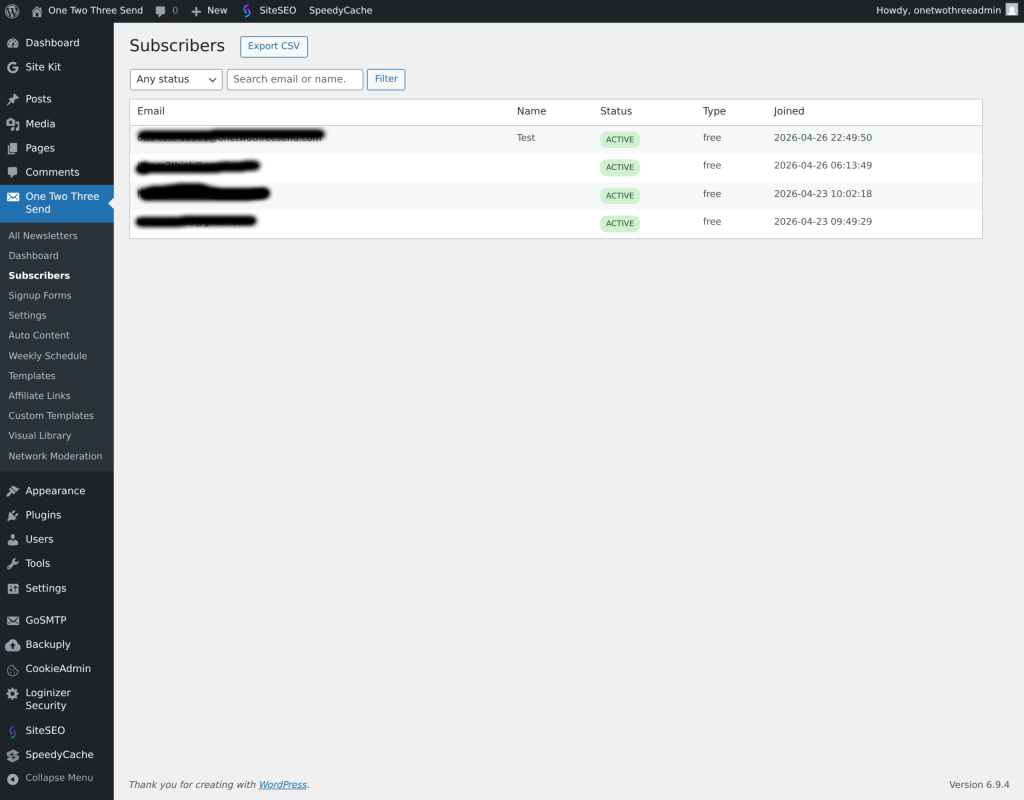
Most ESPs don’t surface tenure by default. Beehiiv, ConvertKit, and Mailchimp give you churn percentages and cohort tables, but tenure requires a custom segment or a database export. You’re looking for days-subscribed or subscription-start-date, then grouping by cohort and calculating the median or mean. If you’re running Stripe for paid subscribers, you already have this data in the subscription object’s `current_period_start` field. For free lists, you’ll need to tag subscribers on import or use your ESP’s API to pull `created_at` timestamps and run the maths yourself.
TACTIC
Mailchimp segments don’t refresh instantly—here’s the lag you’re waiting for
You’ve built a segment to isolate subscribers who haven’t opened in 60 days, or who joined after a specific campaign, and you expect the audience count to update the moment someone meets the criteria. It doesn’t. Mailchimp’s segment filters re-evaluate on a schedule, not in real time, and the delay ranges from minutes to 90 minutes depending on list size and server load. If you’re sending a time-sensitive campaign or testing a new automation trigger, that lag can mean the wrong people get the email—or the right people get it too late. Tags update faster, but they require manual rules or Zapier to assign. The trade-off is immediacy versus automation complexity.
WORTH READING
Grid preview tools show aesthetics—Instagram rewards saves and shares instead
Most Instagram grid planners let you drag-and-drop posts to preview colour balance and layout harmony, and they’re useful if your brand depends on visual consistency. But the algorithm doesn’t rank your posts based on how the grid looks. It ranks on saves, shares, profile visits, and time spent on the post itself. A grid tool tells you nothing about which captions drive saves, which carousel formats hold attention to the last slide, or which posts send viewers to your profile instead of scrolling past. If you’re optimising for aesthetics and wondering why reach is flat, you’re measuring the wrong success metric. Track the engagement actions Instagram actually amplifies, not the ones that look good in a nine-square preview.
FROM THE ARCHIVE
WordPress database indexes break down at 100,000 rows—here’s when to rebuild
Most WordPress performance advice focuses on caching and CDN configuration, but the real bottleneck often lives in the database. MySQL indexes speed up queries by creating lookup tables for frequently searched columns—post titles, user IDs, custom field keys. But as your `wp_posts` or `wp_postmeta` tables grow past 100,000 rows, fragmented indexes slow down SELECT queries even when the index exists. You’ll see this as sluggish admin page loads, slow search results, or timeout errors when filtering custom post types. Rebuilding indexes with OPTIMIZE TABLE or adding composite indexes for common query patterns can cut query time from 2 seconds to 40 milliseconds. Most managed hosts won’t do this for you—you’ll need phpMyAdmin access or WP-CLI to run the commands yourself.
Know someone who would like this? Forward today’s email—every operator we reach is one closer to running an online business with a little less friction.