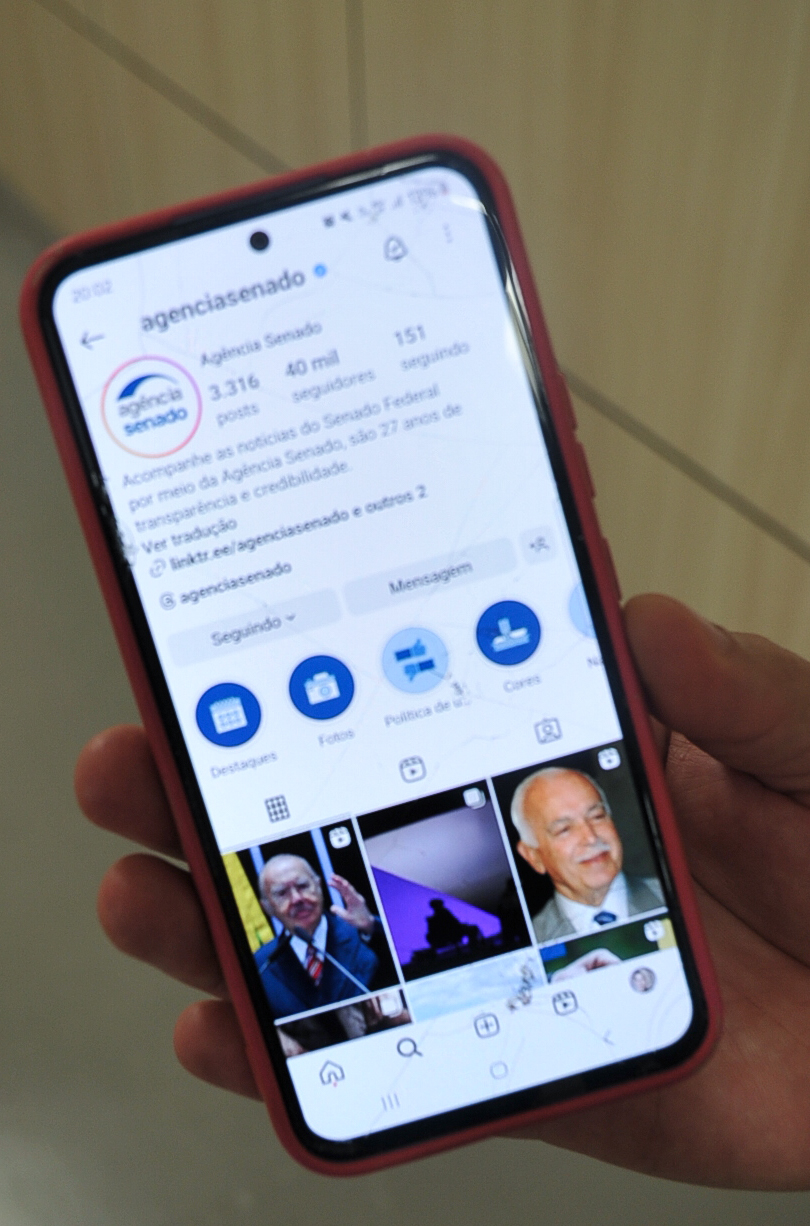
Most Instagram grid preview tools show you what your feed will look like. They don’t show you what will perform.
If you’re running a content business—newsletter, course, affiliate site—Instagram is a traffic channel, not a portfolio. The grid matters less than the metrics Instagram uses to decide whether your next post gets distributed.
Grid previews optimize for the wrong thing. Here’s what to track instead.
What grid preview tools actually show
Tools like Planoly, Later, and Preview let you arrange posts before publishing. You drag tiles around, adjust colors, check for visual balance. The output is a static grid that simulates your profile page.
That’s useful if you’re a brand with a visual identity to maintain. It’s less useful if your goal is clicks, follows, or traffic back to your site.
Instagram’s algorithm doesn’t care about grid aesthetics. It cares about engagement velocity in the first 60 minutes after you post. If your preview tool doesn’t surface that data, it’s optimizing for a metric Instagram doesn’t reward.
What Instagram’s algorithm actually weights
As of mid-2026, Instagram’s ranking system prioritizes:
- Saves — the strongest signal that your content has lasting value
- Shares — especially shares to DMs, not Stories (DM shares carry more weight)
- Profile visits — whether viewers click through to see more of your work
- Follows from post — new followers acquired directly from a single post
- Time spent — for Reels and carousel posts, how long someone stays on the content
Likes and comments still matter, but they’re tertiary. A post with 50 saves and 10 comments will outperform a post with 200 likes and 5 saves.
None of this shows up in a grid preview.
The metrics to check before and after publishing
Instead of arranging tiles, pull these three reports in Instagram Insights:
Accounts reached vs. followers. If your reach is less than 40% of your follower count, Instagram isn’t pushing your content beyond your existing audience. That’s a signal to test different hooks, formats, or posting times—not to rearrange your grid.
Saves per impression. A save rate above 2% is strong. Above 4% is exceptional. If your save rate is under 1%, your content isn’t solving a problem or offering a resource worth keeping. Grid aesthetics won’t fix that.
Profile visits from post. This is the clearest indicator that someone wants more. If fewer than 5% of post viewers click through to your profile, your bio or recent grid isn’t converting curiosity into follows or link clicks.
You can pull these metrics in Instagram’s native analytics (Insights > Content > specific post) or use a third-party dashboard that surfaces them in bulk. Tools like Publer and Later have started adding engagement-rate summaries, but you still need to export the data to compare save rates across posts.
When grid aesthetics still matter
There’s one scenario where grid preview tools are worth the effort: when someone lands on your profile and decides whether to follow based on visual consistency.
If you’re running a niche account—design, food, travel—and your audience expects a cohesive feed, a grid preview helps you avoid jarring color shifts or broken visual rhythm.
But even then, the decision to follow happens in seconds. A visitor will scroll your last nine posts, check your bio, maybe tap one post to see engagement. If the content itself doesn’t deliver, a beautiful grid won’t convert them.
For most solo operators and small teams, the time spent arranging tiles is better spent writing stronger hooks, testing carousel formats, or analyzing which posts drove profile visits.
What to do instead
If you’re currently using a grid preview tool, don’t delete it. Just change when you open it.
Use it as a final check before publishing—not as your primary planning surface. Spend more time in your analytics dashboard. Export your last 30 posts to a spreadsheet. Sort by saves, then by profile visits. Identify the top three. Reverse-engineer what made them work: topic, format, hook, CTA.
Then create more of that.
Instagram rewards repetition of what works, not aesthetic variety. If a specific content format—carousel tutorials, quote graphics, behind-the-scenes Reels—drives saves and follows, double down. The algorithm will distribute it. The grid will take care of itself.
One clarification: if you’re using Instagram as a primary channel and you’re not tracking these metrics weekly, you’re flying blind. Set a recurring calendar event. Pull the numbers. Adjust.
Grid preview tools show you what your profile looks like. Your analytics show you what Instagram rewards. Optimize for the latter.
Want more operator-to-operator breakdowns like this? Subscribe to One Two Three Send—we cover the tools, metrics, and workflows that actually move the needle for solo operators and small teams running content businesses.
Heads up — some links in this article are affiliate links. If you sign up through them, we may earn a small commission at no extra cost to you. We only recommend tools we use ourselves.