Staging copies everything except the bits that matter
The office kitchen smells like burnt coffee and someone’s reheating fish curry in the microwave. Outside, a street sweeper hums past rain-slicked tarmac. You’re testing a payment plugin update on staging before you push it live—because that’s what staging is for.
Staging environments clone your database but skip the API keys that make it work
WordPress staging copies tables and files—but silently breaks payment processors, email sends, and third-party connections.
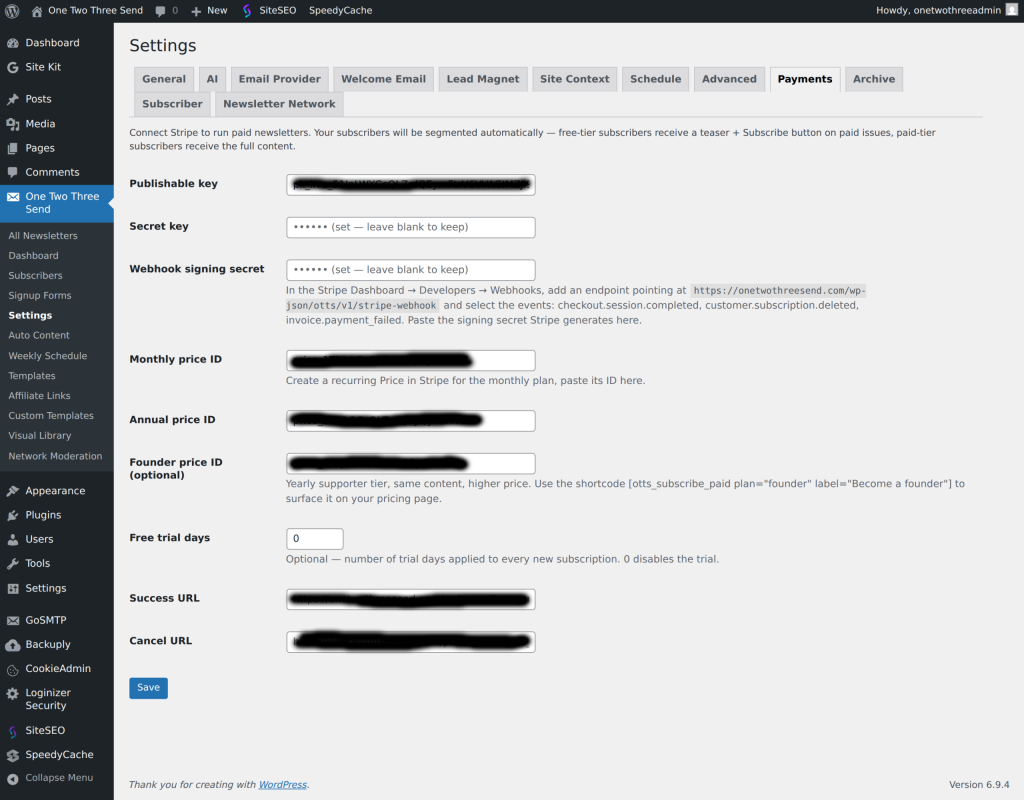
Most managed WordPress hosts offer one-click staging environments. You duplicate production, test your changes, then merge them back. The promise is risk-free updates. The reality is messier: staging clones your database and copies your files, but it doesn’t replicate the live API keys, webhook endpoints, or external service credentials that make your site functional.
Payment gateways stop working because Stripe and PayPal sandbox keys aren’t set. Email notification plugins queue messages that never send because SMTP credentials point at production. Analytics tags fire twice or not at all. CDN rewrites break because the staging subdomain isn’t whitelisted. Cron jobs keep running on production URLs. And when you push changes live, you discover that the plugin you tested never touched the integration layer that actually matters.
The fix isn’t to abandon staging—it’s to know what staging doesn’t test. API-connected plugins need separate staging credentials. Webhook URLs need manual updates. External services need whitelisting. And any plugin that writes to or reads from a third-party API will behave differently on staging than it does on production, even if the code is identical. Test the merge process itself, not just the features you changed.
RELATED INFRASTRUCTURE
Incremental backups skip tables that changed five minutes ago
Most WordPress backup plugins offer incremental snapshots to save bandwidth and storage. The trade-off: they skip recently modified tables, uploaded media that hasn’t been indexed yet, and transient data that doesn’t fit the snapshot window. If you restore from an incremental backup after a payment plugin update breaks checkout, you’ll lose the transaction logs written between the last full backup and the failure. Know what your backup tool considers “incremental” and how much recent data sits outside that window.
WORTH READING
CDN plugins rewrite asset URLs three different ways—one breaks dynamic content
CDN integration plugins rewrite your media URLs to point at edge servers. Some rewrite at the database level, some use output buffering, and others hook into WordPress’s attachment functions. The third method breaks when plugins generate dynamic file paths or serve content through PHP scripts instead of static URLs. If your course platform, membership plugin, or download manager stops serving files after you enable a CDN, check whether the plugin is rewriting URLs that should stay local. Most operators don’t catch this until customers report missing downloads.
TACTIC
Plugin conflict logs live in three places—and most hosts hide two of them
When two WordPress plugins collide, the site breaks silently or throws a white screen. The error logs that explain what happened live in three locations: your hosting control panel’s error log viewer, a debug.log file in wp-content (if WP_DEBUG_LOG is enabled), and your browser’s JavaScript console for front-end conflicts. Managed hosts often disable file-level debug logs by default, and some control panels bury error logs under “Advanced Tools” or require SSH to access. Know where your host writes errors before you need to debug a conflict under pressure.
Know someone who would like this? Forward today’s email—every operator we reach is one closer to running an online business with a little less friction.