Preview text gets cut at 90 characters—here's where
The inbox at 6:43 a.m. is a grid of truncated promises—subject lines that end mid-word, preview text that cuts off just before the value proposition, and a sea of “View in browser” links nobody clicks.
Preview text character limits change by client—and most operators guess wrong
Gmail mobile shows 90 characters, Apple Mail on desktop shows 140, and Outlook cuts you off at 50.
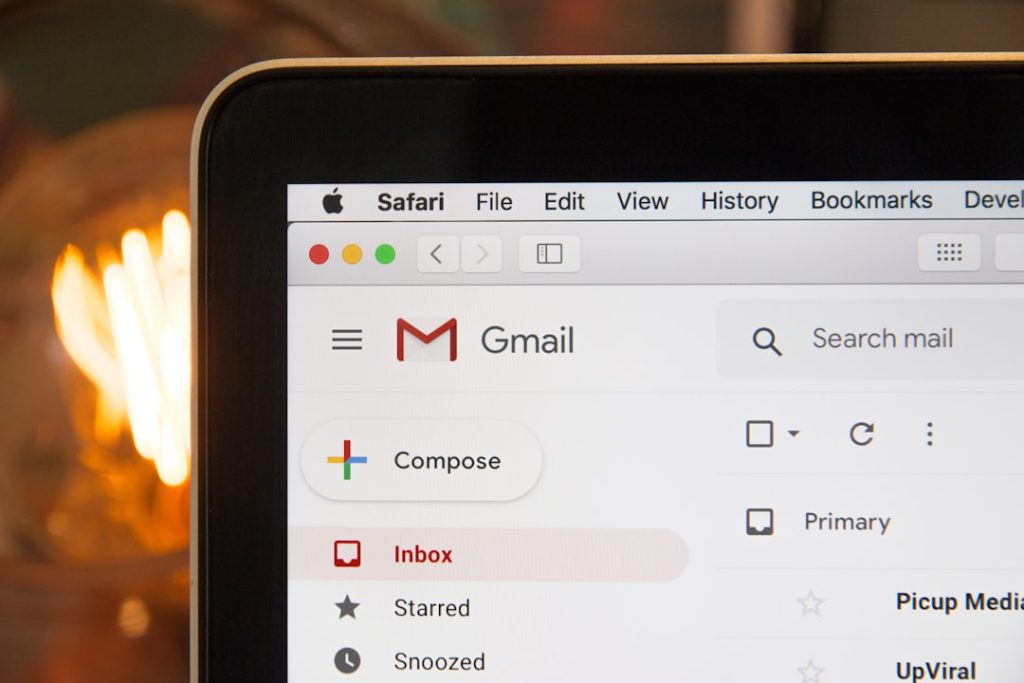
Preview text is the second line of defence after your subject line, but most operators write it once and assume every subscriber sees the same thing. They don’t. Gmail on Android truncates at roughly 90 characters. Apple Mail on macOS gives you 140. Outlook desktop cuts you off around 50, sometimes mid-sentence. If your preview text reads “We’re excited to share three new ways to optimise your workflow and save time on repetitive tasks”, Outlook subscribers see “We’re excited to share three new ways to optimis…” and everyone else gets a different slice of the same vague promise.
The fix isn’t writing shorter preview text across the board—it’s frontloading the hook. Put the action, the benefit, or the number in the first 50 characters. If you’re announcing a price drop, lead with “$19/month through Friday” instead of “We’re thrilled to announce a limited-time offer on our most popular plan.” If you’re sharing a tactic, write “WordPress object cache breaks sites when Redis fills up” instead of “In today’s issue, we’re diving into a common WordPress performance problem.” The first version works at every truncation point. The second works nowhere.
Testing preview text means sending to multiple addresses and checking each one on mobile and desktop. Gmail, Outlook, Apple Mail, and Yahoo all handle character limits differently, and some clients pull from your email body if you don’t set preview text explicitly. If you’re using Mailchimp, ConvertKit, or Beehiiv, the preview-text field is separate from the subject line—leave it blank and you’ll get the first sentence of your email, often including “View in browser” or your logo’s alt text. That’s not a hook; it’s dead space.
TACTIC
SEO title tags get truncated too—and Google’s limit isn’t what you think
Google displays 50–60 characters of your title tag in search results, but it reads and weighs far more than that. Most operators write for the display limit and leave ranking signals on the table, or they stuff keywords past 60 characters and watch their titles get cut off mid-brand name. The trick is structuring title tags so the first 50 characters hook the click while the remaining text carries semantic weight for ranking. If you’re writing titles that get truncated in the wrong place, you’re losing traffic before the reader ever sees your preview text.
WORTH READING
Newsletter A/B tests take longer to resolve than your dashboard suggests
You send a subject-line test at 9 a.m., check the stats at 10, and pick a winner based on 200 opens. The problem: most platforms need 24–48 hours to reach statistical significance, and early opens skew toward your most engaged subscribers—the ones who’d open either version. If you call the test early, you’re optimising for noise, not signal. ConvertKit, Beehiiv, and Mailchimp all let you declare a winner manually, but none of them stop you from making the call before the sample size is meaningful. The lag between sending and valid results is longer than most operators expect, and refreshing the dashboard every hour doesn’t change the math.
FROM THE ARCHIVE
ConvertKit form embeds slow your page speed—here’s the fix
ConvertKit’s default form embed adds blocking JavaScript that fires on every page load, delaying first paint and tanking Core Web Vitals scores. If you’re running a WordPress site and your Lighthouse report flags render-blocking resources, the ConvertKit script is often the culprit. You can defer the script, lazy-load the form below the fold, or switch to an HTML-only embed and lose some features. Each method trades convenience for speed, and the right choice depends on whether you’re optimising for conversions or search rankings. Most operators never check which version of the embed their theme added, and that default costs them both.
Know someone who would like this? Forward today’s email—every operator we reach is one closer to running an online business with a little less friction.