Canva's scheduler breaks at three brands
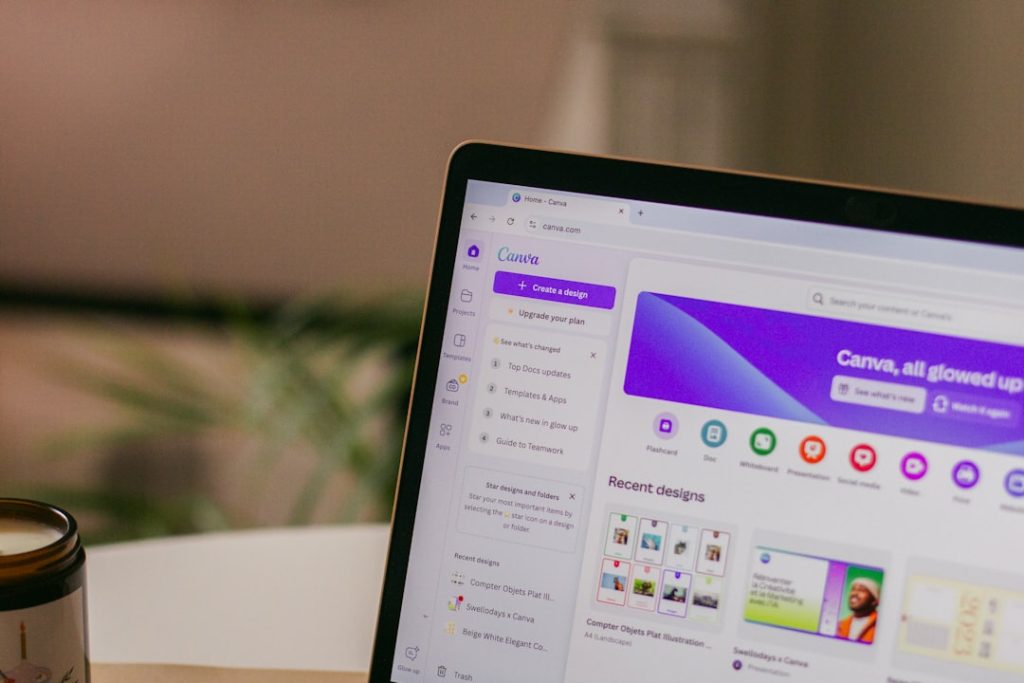
Canva's scheduler breaks at three brands
The built-in scheduler sounds convenient—until you manage clients or run multiple brands. Here’s where it breaks down.
The promise is simple: design your social graphics in Canva, schedule them to Instagram and Facebook from the same interface, skip the export-and-upload dance. For solo operators running one brand from one account, it works.
For agency freelancers juggling three client Instagram logins, two Facebook pages, and a personal brand? The workflow collapses somewhere around brand number three.
Tomorrow’s deep dive walks through exactly where Canva’s content planner buckles under multi-account pressure—the login gymnastics, the brand-switching friction, and the specific moment when switching to a dedicated scheduler saves you time instead of costing it.
You’ll see the interface limitations that force you back to the export dance, the account-connection quirks that waste your Tuesday morning, and the alternative workflow that keeps your designs in Canva but moves scheduling somewhere that actually handles client work.
Read the full edition
Tomorrow’s premium edition breaks down the exact friction points where Canva’s content planner fails multi-account workflows—and what to use instead.
Stay sharp out there,
The One Two Three Send Team
PS: If you’re managing more than two brands, you’ll want to read this before scheduling next week’s content.