Analytics pixel load order changes what conversion data you see
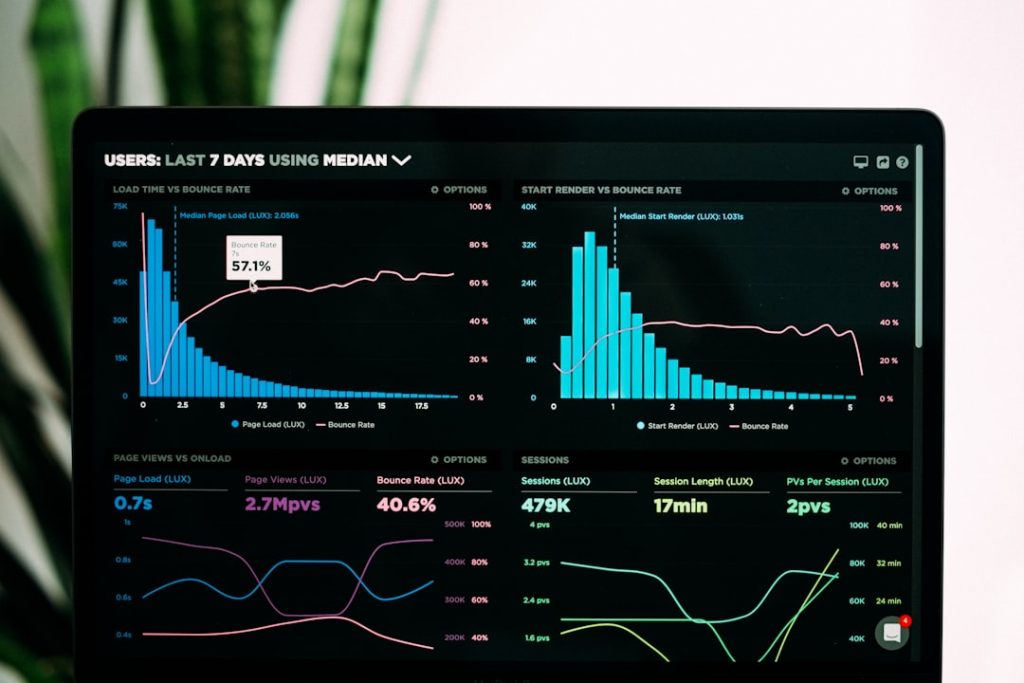
Analytics pixel load order changes conversion data
When tracking scripts fire out of sequence, attribution breaks silently—here’s how load order affects what gets counted and what vanishes.
The analytics dashboard shows 47 conversions. Google Ads says 52. Facebook claims 61. You’re running the same pixel set on every landing page, the same checkout flow, the same thank-you redirect—yet every platform reports a different number. The culprit isn’t the platforms. It’s the order your tracking scripts load, and which ones fire before the user navigates away.
Most newsletter operators stack pixels without thinking about sequence: Google Tag Manager at the top, Facebook Pixel in the footer, a conversion API call triggered by a webhook three seconds after checkout. When a script loads late or a page redirects early, attribution data disappears—and you’ll never see an error message.
In today's email:
- Load order determines which pixels see the conversion event
- Async scripts race page navigation and lose
- Tag managers introduce their own latency layer
- Server-side tracking bypasses the browser entirely