The case for SES, in one paragraph
SES costs $0.10 per 1,000 emails sent. There is no subscription tier, no retainer, no “premium” version. You verify a domain, you send mail, you pay for what you use. For a single newsletter sending to 1,000 subscribers daily, that’s $3 a month. For 100 newsletters at the same volume, $300. The closest equivalent at retail Resend pricing is roughly $2,400. That gap is the entire reason this post exists. The tradeoff: SES gives you a sending engine, not a mailing platform. You bring everything else — list management, unsubscribe links, bounce handling, analytics. If your stack already provides those (or if you’re running One Two Three Send and they’re built-in), this is the right tradeoff. If you want a dashboard that shows you a graph of opens, SES is the wrong product.Cost math, with real numbers
Assume a brand averaging 1,000 active subscribers, sending five newsletters a week. That’s about 22,000 emails a month per brand.| Brands | Emails/month | SES cost | Resend retail | Postmark | Mailgun Foundation |
|---|---|---|---|---|---|
| 1 | 22,000 | $2.20 | $20 | $25 | $35 |
| 10 | 220,000 | $22 | $90 | $200 | $80 |
| 100 | 2,200,000 | $220 | $1,000+ | $1,500+ | $400+ |

Setup, in the order you should actually do it
Step 1: Request production access. Today. Before anything else.
SES starts every account in sandbox mode: 200 emails a day, and you can only send to addresses you’ve verified. Nobody mentions this until you’re trying to debug why your test send works to your own inbox but fails to your subscribers’. Production access is a one-paragraph form in the SES console. Approval usually takes 24 hours, sometimes faster. Submit it on day one of your migration project so the clock is running while you do everything else. The form asks how you handle bounces and complaints, what your typical send volume is, and whether subscribers explicitly opted in. Be specific. Generic “we’ll handle it” answers get rejected.Step 2: Verify your sending domain (not your email address)
You can verify a single email address ([email protected]) but don’t. Verify the domain (yourbrand.com). Domain verification gives you DKIM signing for everything sent from any address at that domain, which is the deliverability win.
In the SES console, “Verified identities” → “Create identity” → “Domain” → enter the domain → enable DKIM. SES gives you three CNAME records to add to your DNS. They look like random123._domainkey.yourbrand.com pointing at random123.dkim.amazonses.com.
Add them to your DNS. Wait 10 minutes. Refresh the SES console. Three green checkmarks.
The pitfall here: many DNS managers strip the trailing period on CNAME values, or auto-append the parent domain. If your DKIM checkmarks stay yellow after an hour, the cause is almost always that your CNAME target now reads random123.dkim.amazonses.com.yourbrand.com instead of just random123.dkim.amazonses.com. Edit the record, remove the appended bit.
Step 3: Create the credentials
You have two paths here, and which one you pick determines how much code you’ll write. Path A — SMTP credentials. SES SMTP settings → “Create SMTP credentials”. AWS generates an IAM user behind the scenes and gives you an SMTP username and password. Plug those into any SMTP-capable mail tool (including the SMTP option in One Two Three Send). Zero new code. Endpoint isemail-smtp.us-east-1.amazonaws.com:587.
Path B — IAM access keys for the SES API. Create an IAM user with the AmazonSESFullAccess policy (or scoped down to ses:SendEmail on your verified domain ARN, which you should do for production). Grab its access key ID and secret access key. Use these to sign SES API v2 requests directly with AWS Signature v4.
For under 100,000 emails a month, use Path A. SMTP is fast enough and saves you the SigV4 signing implementation. Above that, Path B becomes worth it because you can attach configuration sets, message tags, and skip the STARTTLS roundtrip.
Step 4: Set up the From address and reply-to
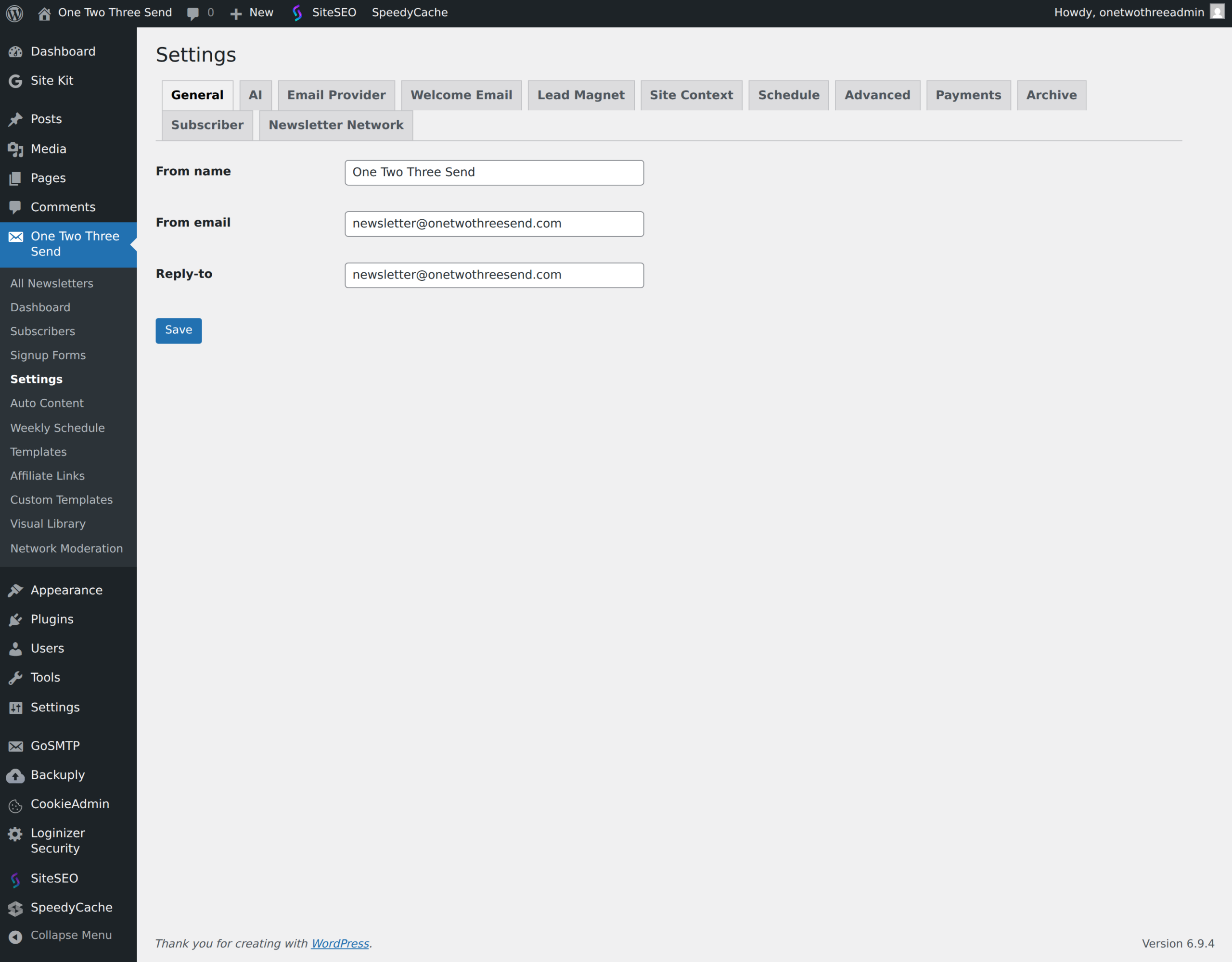
YourFrom: address must be at the verified domain. [email protected] works. [email protected] does not, even if yourbrand.zendesk.com resolves — Zendesk’s domain isn’t verified in your SES account.
Set a real reply-to. Subscribers reply. If your reply-to is noreply@, you’re throwing away the most valuable feedback signal a newsletter has.
Step 5: Send your first email
The acid test: send to a Gmail address, an Outlook address, and a Yahoo address you control. Open Gmail’s “Show original” view on the received message. You should see:SPF: PASS(withamazonses.com)DKIM: PASS(signed byyourbrand.com)DMARC: PASS(only if you have a DMARC record — see pitfalls)
NEUTRAL or FAIL, fix that before sending to a single real subscriber. Inbox providers are unforgiving with new senders, and your first 30 days set the reputation that follows you for months.
Step 6: Set up bounce and complaint handling
Skip this step and SES will suspend your account, eventually, with no warning except an email a week before it happens that you’ll miss in a busy inbox. Create an SNS topic (ses-feedback). In the SES configuration set, attach event publishing for Bounce and Complaint events to this topic. Wire the topic to an HTTP endpoint on your site that flips the matching subscriber’s status to bounced or complained and stops sending to them.
This is the difference between “I send mail with SES” and “I run a newsletter on SES that won’t get suspended in month four.”
SES vs the rest, honestly
vs Resend — Resend has a beautiful API and a dashboard that’s a joy to use. You pay for that. They’re a great choice while you’re under 50k/month. Above that, the price gap becomes the only thing that matters. vs Postmark — Postmark has the best deliverability reputation in the industry and the best bounce dashboard. They specialize in transactional, not marketing/broadcast — their pricing model penalizes high-volume sends. Worth using for transactional emails (welcome flows, password resets) even if you use SES for newsletters. vs Mailgun — Roughly comparable to SES on price at scale, easier to set up, slightly worse deliverability in our testing. If you actively dislike AWS, Mailgun is the closest cost equivalent. vs Mailchimp / ConvertKit / Beehiiv — Different category. Those are mailing platforms (list, editor, analytics, automation). SES is a sending engine. You wouldn’t compare a hosting provider to Squarespace; same logic applies. vs SendGrid — SendGrid is what you use when your dev team wants to use SendGrid. It’s fine. Pricing tiers are odd above 100k.Pitfalls, in the order operators usually hit them
1. The sandbox catches everyone. First send to a real subscriber bounces with “Email address is not verified” and you spend two hours debugging your code. The error message means SES, not your subscriber’s address. Submit the production access request before you do anything else. 2. DMARC alignment. If you have a_dmarc TXT record set to p=reject, your SES emails will fail DMARC unless your From: domain matches the DKIM signing domain. SES handles this automatically when you verify the full domain (Step 2 above), but if you verified only an email address, you’ll fail DMARC alignment and your mail goes to spam at every major provider. Verify domains, not addresses.
3. The 5% bounce / 0.1% complaint thresholds. SES tracks these silently. Hit 10% bounces and you get a warning email. Hit 5% sustained, or 0.1% complaints, and you get suspended. The math: in a list of 1,000, fewer than 50 hard bounces is fine; more than that and you’re already in trouble. Clean lists before you migrate to SES. Run a list-validation pass through a service like NeverBounce or Kickbox first; the $30 cost pays for itself a thousand times over.
4. The shared IP problem (and the dedicated IP solution). SES sends from shared IP pools by default. If another SES customer on your IP range sends spam, your reputation gets dinged through no fault of your own. For most sub-1M/month senders this is fine — Amazon’s pools are well-policed. Above 1M/month, request a dedicated IP ($24.95/month). For 100 brands, give each of the highest-volume few their own IP and pool the long tail.
5. IP warming. New dedicated IPs need a 30-day ramp where you slowly increase volume. If you spike from 0 to 100k on day one, every email goes to spam. SES’s “Easy DKIM with managed warm-up” handles this if you let it. Don’t override the schedule because you’re impatient.
6. The implicit unsubscribe link requirement. Gmail and Yahoo’s 2024 sender requirements mandate one-click unsubscribe headers (List-Unsubscribe-Post: List-Unsubscribe=One-Click) for any sender doing more than 5,000 emails a day to their domains. SES doesn’t add these automatically — your sending code must. If your platform doesn’t add this header, your delivery rate to Gmail will collapse without warning.
7. Sending across regions. SES sending quotas are per-region. If you start in us-east-1 and migrate to eu-west-1 later, your reputation doesn’t follow. Pick a region on day one and stay there.
Long-term maintenance
The first two months of SES are setup theater. The rest is reputation management. Daily: keep an eye on the SES “Reputation dashboard.” Bounce rate trending up means a list-quality problem; complaint rate trending up means you’re sending content people don’t want. Both are fixable, but only if you notice. Most operators set up a CloudWatch alarm at 3% bounces and 0.05% complaints — half the threshold AWS uses to suspend you. Weekly: review the bounce/complaint webhooks for patterns. A spike in bounces after a specific newsletter usually means a corporate domain blocked you. A spike in complaints usually means a specific email’s subject line came across as spammy or you imported a list segment that didn’t actually opt in. Monthly: prune subscribers who haven’t opened in 90 days. Inbox providers downgrade your reputation when you keep sending to inactive addresses, even if those addresses don’t bounce. This is counterintuitive — you’re paying for the email, why would sending to a quiet address hurt? — but it’s how Gmail’s reputation algorithm works in 2025. Quarterly: rotate your IAM credentials. Even if nothing has gone wrong, do this anyway. AWS makes it easy (create new credentials, deploy, deactivate the old set, delete after 30 days), and it gets you in the habit of treating sending credentials with the same care as customer data. Annually: review your SES sending quota against actual volume. If you’ve grown 10x and you’re still on the original 50,000/day limit, you may be silently losing mail at peak send times. Quota increases are a console click and usually approved automatically based on your sending history.When SES is the wrong choice
If you’re sending fewer than 50,000 emails a month, the time you’ll spend on setup, monitoring, and bounce handling is worth more than the cost difference. Use Resend or Postmark. Come back when you scale. If your team has zero AWS experience and zero appetite to gain it, the implementation is the iceberg’s tip. Setting up SES correctly takes a day. Operating it correctly takes ongoing attention. If nobody on the team finds CloudWatch dashboards reasonable, pick a vendor whose abstraction matches your team’s skills. If you need a polished UI for non-technical staff to manage lists, write campaigns, and view stats, SES will frustrate everyone involved. It’s a sending engine, not a product. For everyone else: SES is the most boring infrastructure decision you can make for a newsletter business, and that’s the highest compliment infrastructure can earn.Some links in this post are affiliate links — we earn a small commission if you sign up through them, at no cost to you. We only recommend tools we actually use.
.jpg)